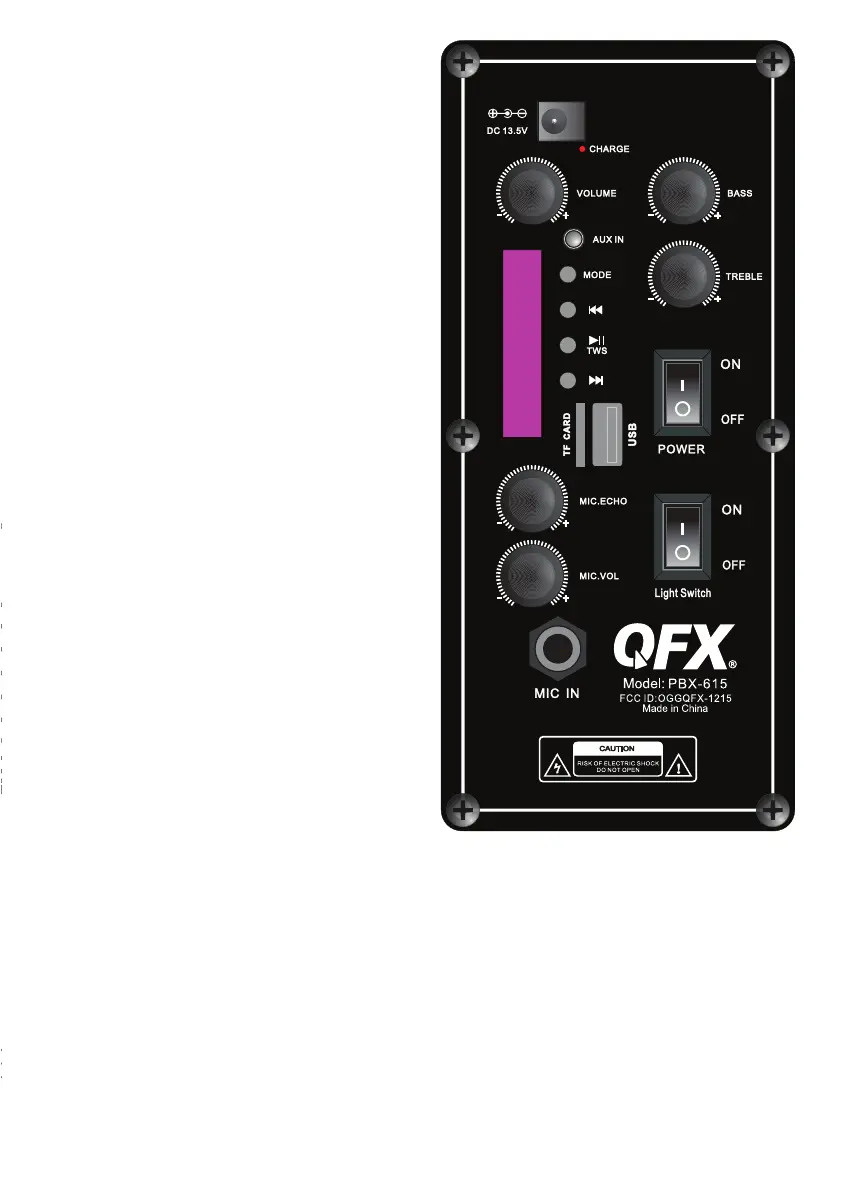
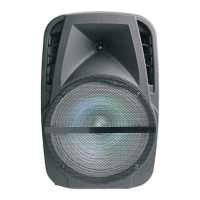
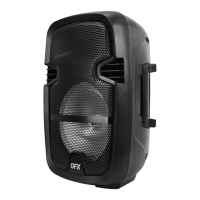
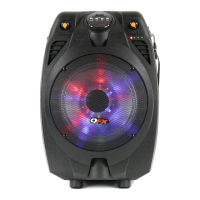
PBX-615 REAR PANEL
1. Power Switch: ON/OFF
2. Light Switch: ON/OFF
3. Master Volume Knob: Adjust from
Min to Max
4. Microphone Echo knob: Adjust from
Min to Max
5. Microphone Volume Knob: Adjust from
Min to Max
6. Bass Knob: Adjust from Min to Max
7. Treble Knob: Adjust from Min to Max
8. Mode Button :Toggle between AUX, USB,
TF, FM, BT
Previous Track Button: Select previous track
Play/Pause Button
Next Track Button: Select next track
9. AUX IN
10. TF Card Slot
11. USB Slot
12. Microphone Input
13. Power Supply: DC 13.5V
14. Battery indicator light
PBX-615 DISPLAY SYSTEM SETTINGS
1. Input Mode: The LED display screen will display the information of input mode for
USB/TF/BT/AUX /FM. When a USB flash drive/TF Card is inserted into the USB/TF input,
the unit will automatically switch to USB/TF mode and begin playing Mp3 audio files from
the USB flash drive/TF Card.
2. Track Number: The track number currently playing from the USB/TF will display.
3. FM Mode: All FM channels display here. Short press "play/pause" button for auto scan
all channels.
1
2
3
4
5
6
7
8
10
11
12
9
13
14


 To Next Page