EasyManua.ls Logo

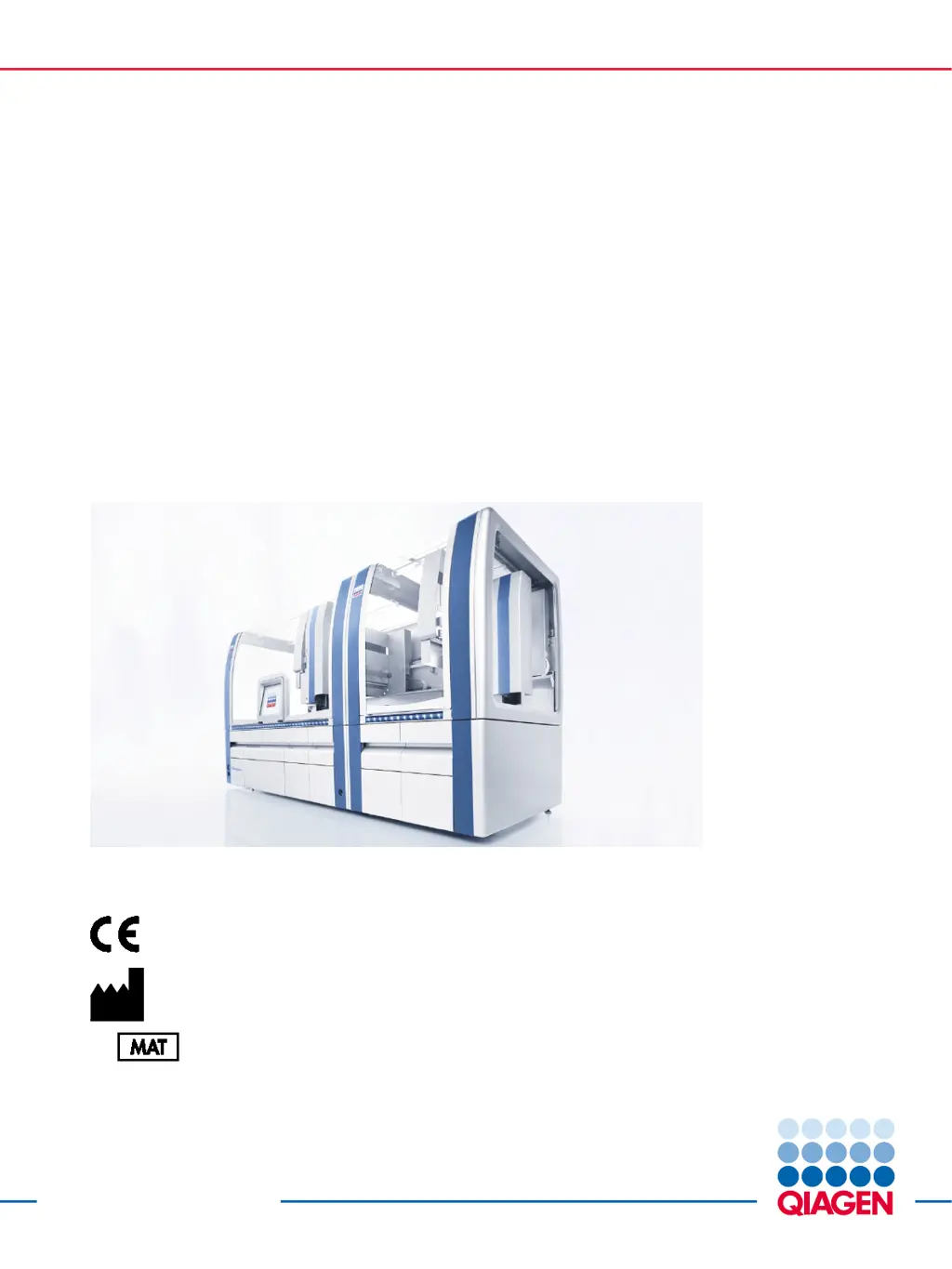
Qiagen QIAsymphony SP - User Manual

Qiagen QIAsymphony SP
216 pages
Print Icon
To Next Page IconTo Next Page
Loading...
Sample to Insight__
December 2017
QIAsymphony
®
SP/AS
Consolidated Operating
Guide
For use with software versions 4.0 and 4.1
Version 1
QIAGEN GmbH, QIAGEN Strasse 1, 40724 Hilden
GERMANY
R2
1112127

Table of Contents

Questions and Answers

Summary

Safety Information and Precautions

Proper Use and General Safety

Outlines proper operation and general safety guidelines for the instrument.

Electrical Safety and Hazards

Details electrical safety requirements and potential hazards associated with the instrument.

Biological Safety and Chemical Handling

Addresses biological safety, handling of infectious agents, and chemical safety.

Mechanical, Heat, and Maintenance Safety

Highlights safety precautions related to mechanical hazards, heat, and maintenance.

Radiation Safety

Details safety measures related to UV and laser radiation hazards.

Startup Procedure and General Features

Powering On and Off

Covers procedures for switching the QIAsymphony SP/AS on, logging in, and logging out.

User Settings and Configuration

User Account Management

Explains user roles (Supervisor, Operator) and managing user accounts.

Handling Files and Data Transfer

QIAsymphony SP Instrument Features

Key Instrument Components

Details instrument features like the magnetic head, lysis station, and robotic arm.

Loading QIAsymphony SP Drawers and Worktable

Loading the Waste Drawer

Details the procedure for loading the waste drawer with its components.

Loading the Eluate Drawer

Explains the features and loading procedure for the eluate drawer.

Loading Reagents and Consumables Drawer

Covers loading consumables, reagent cartridges, buffer bottles, and accessory troughs.

Performing Inventory Scans (SP)

Starting, Pausing, and Stopping Runs

Describes how to start, pause, resume, and stop runs.

QIAsymphony SP Run Definitions

Defining a Batch;Run (Queuing)

Guides on defining a batch/run, including sample loading and Assay Control Sets.

QIAsymphony AS Features and Operation

QIAsymphony AS Basic Functions

Preparing and Executing Runs

Covers preparing runs, defining assay favorites, and integrated run setup.

Assigning Assays and Sample Positions

Details assigning assays and sample positions, including manual and work list methods.

Troubleshooting and Error Handling

Error Messages and Warnings

Describes how error messages appear and are indicated in the interface.

Software Help Boxes and Technical Services

Explains how to use software help and contact QIAGEN Technical Services.

Error Codes and Their Solutions

Lists common error codes and provides suggested solutions.

Maintenance Procedures

Qiagen QIAsymphony SP Specifications

General IconGeneral
Nucleic Acid TypesDNA, RNA
ThroughputUp to 96 samples
Sample TypesBlood, serum, plasma, tissue, cells, swabs
Elution Volume50 - 200 µL
Dimensions (W x D x H)Approximately 120 x 80 x 90 cm
Power Requirements100-240 V, 50/60 Hz
TypeAutomated sample preparation system
Automation LevelFully automated, walkaway operation