5
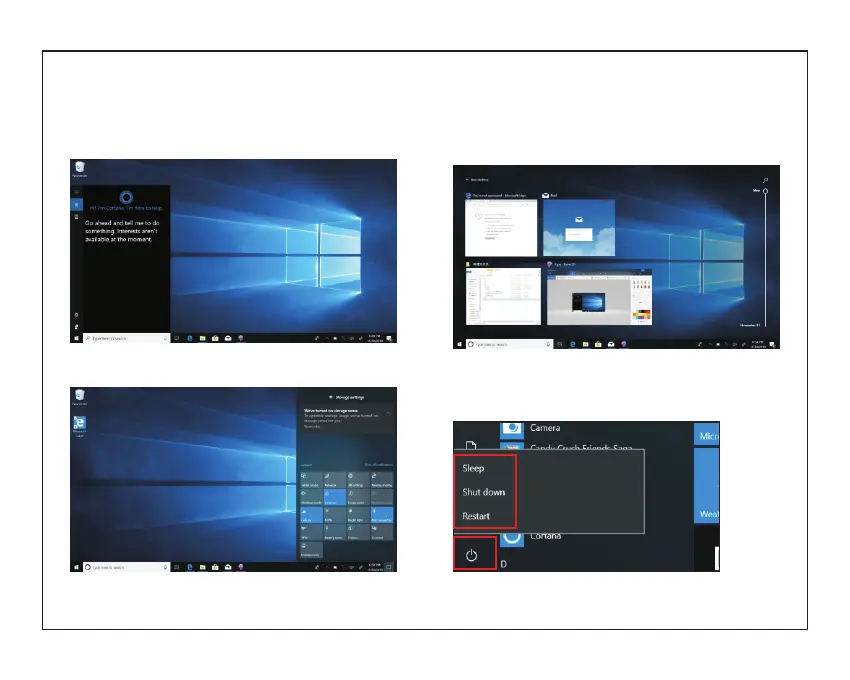
Search menu
After Huna can login account can be set up after the
language or text dialogue, if not logged on account
only for text searches.
Device menu Click on the notification menu
Multitasking operating
interface
Click the Desktop task view to operating a multi-
Basic Operations
Sleep, restart, power off
Short press the power button Hibernation



 To Next Page