Need help?
Do you have a question about the Qilive Q.3509 and is the answer not in the manual?
Explains the function of the power switch in different modes.
Details how to connect the mouse to a computer using the USB receiver.
Describes the process and indicators for charging the mouse.
Explains how to cycle through DPI settings and the available values.
Guides the user through the 'Keys' setting interface for button configuration.
Details how to select and customize lighting modes and effects.
Explains how to set DPI values between 1200-10000 within the driver.
Covers adjusting mouse sensitivity, double click speed, and scrolling speed in the driver.
Guides on creating and assigning macros for custom commands and sequences using the driver.
 General
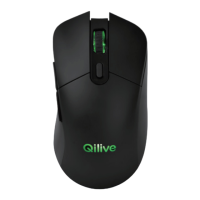
| Model | Q.3509 |
|---|---|
| Connectivity Technology | Wireless |
| Interface | USB |
| Movement Detection Technology | Optical |
| Color | Black |
| Wireless Technology | RF |
| Buttons | Left, Right, Scroll Wheel |
| Hand Orientation | Right |

 To Next Page