EasyManua.ls Logo

Qilive Q.6922 - User Manual

Qilive Q.6922
224 pages
Print Icon
To Next Page IconTo Next Page
Loading...
FLEX ZONE
ON/OFF
FR
ES
PT
PL
HU
RO
RU
UA
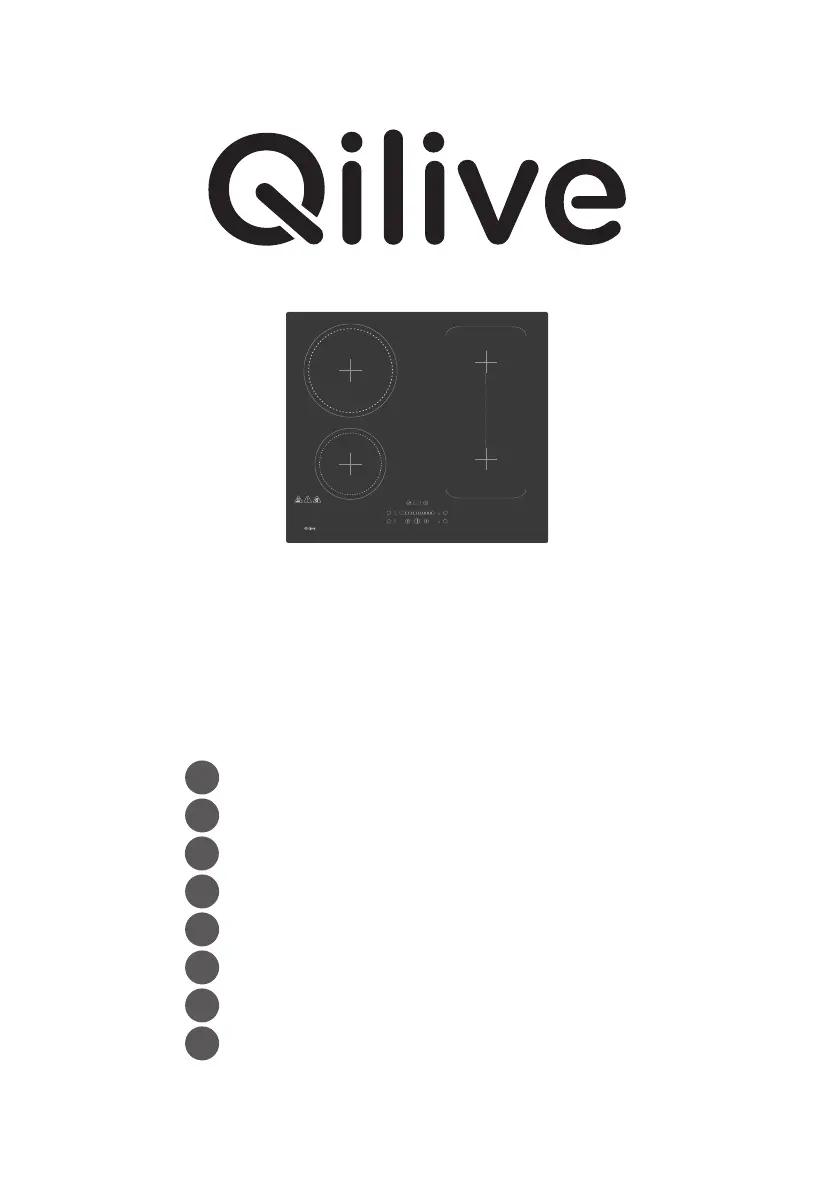
Plaque de cuisson à induction
Placa de inducción
Placa de indução
Płyta indukcyjna
Indukciós főzőlap
Plită cu inducție
Индукционная варочная панель
Індукційна плита
Induction hob
Q.6922

Table of Contents

Questions and Answers

  • J
    Johnny RasmussenAug 17, 2025
    What to do if my Qilive Hob stops heating and flashes 'u'?
    • N
      nataliethompsonAug 17, 2025
      If your Qilive Hob suddenly stops heating and the display flashes 'u', it could be due to using the wrong type of pan. Ensure you are using the proper pot as specified in the instruction manual. Alternatively, the unit may be overheated; allow it to cool down and then push the 'ON/OFF' button to restart it.
  • V
    vbrooksAug 20, 2025
    Why the LED does not come on when Qilive Q.6922 is plugged in?
    • J
      John JacksonAug 20, 2025
      If the LED on your Qilive Hob doesn't light up when plugged in, first ensure the plug is securely in the outlet and that the outlet is working. If that's not the issue, check the connection between the accessorial power board and the display board. If problems persist, the accessorial power board or the display board might be damaged and need replacement.
  • H
    hrochaAug 22, 2025
    What to do if IGBT is on high temperature in Qilive Q.6922?
    • D
      dgarciaAug 22, 2025
      If the IGBT (Insulated Gate Bipolar Transistor) in your Qilive Hob is overheating, allow it to cool down, then press the 'ON/OFF' button to restart the unit. Also, check if the fan is running smoothly; if it isn't, replace the fan.
  • J
    Jamie MorrisAug 26, 2025
    Why heating zones of the same side display 'u' on Qilive Hob?
    • M
      Michael GarciaAug 26, 2025
      If heating zones on the same side of your Qilive Hob display 'u', check the connection between the power board and the display board. If the problem continues, the display board's communication part may be damaged and require replacement, or the main board might be damaged, needing the power board to be replaced.
  • R
    Robert AllisonAug 28, 2025
    What to do if the Cooking Mode Indicator comes on, but heating does not start on Qilive Q.6922?
    • J
      John GallagherAug 28, 2025
      If the Cooking Mode Indicator on your Qilive Hob lights up but heating doesn't start, check if the fan is running smoothly and replace it if necessary. If the issue persists, the power board may need to be replaced.
  • K
    kevinfowlerAug 30, 2025
    What to do if high temperature of ceramic plate sensor on Qilive Q.6922 Hob?
    • A
      Amy HenryAug 30, 2025
      If the ceramic plate sensor of your Qilive Hob is showing a high temperature, wait for it to return to normal. Then, touch the 'ON/OFF' button to restart the unit.
  • K
    Kerry JacksonSep 2, 2025
    Why some buttons can’t work, or the LED display is not normal on Qilive Hob?
    • A
      amanda15Sep 2, 2025
      If some buttons on your Qilive Hob aren't working or the LED display is abnormal, the display board may be damaged and needs to be replaced.
  • N
    Nicole GrantSep 5, 2025
    What to do if supply voltage is below the rated voltage for Qilive Q.6922 Hob?
    • M
      Meredith MontgomerySep 5, 2025
      If the supply voltage to your Qilive Hob is below the rated voltage, inspect whether the power supply is normal. Power on the hob after the power supply returns to normal.
  • D
    Danielle DunnSep 8, 2025
    Why fan motor sounds abnormal in Qilive Hob?
    • A
      Anna TurnerSep 8, 2025
      If the fan motor in your Qilive Hob sounds abnormal, it may be damaged and needs to be replaced.
  • A
    Amy CollinsSep 12, 2025
    How to fix ceramic plate temperature sensor failure on Qilive Q.6922 Hob?
    • S
      Shawn RobinsonSep 12, 2025
      To address a ceramic plate temperature sensor failure (open circuit) in your Qilive Hob, check the connection or replace the ceramic plate temperature sensor.

Summary

Safety Instructions

Technical Specifications

Domestic Electric Hob Information

Specific data for electric hobs: model, type, zones, heating technology, dimensions, and energy consumption.

Product Description

Top View Overview

Identification of the main parts of the hob as seen from above.

Control Panel Layout

Explanation of the buttons, displays, and indicators on the hob's control interface.

Using the Product

Touch Control Operation

Instructions on how to interact with the hob's touch-sensitive control panel.

Cookware Selection Guide

Guidance on selecting suitable cookware for optimal induction cooking performance.

How to Use the Hob

Step-by-step instructions for starting and finishing the cooking process on the hob.

Using the Boost Function

Detailed explanation of how to activate and use the hob's boost function for rapid heating.

Flexible Area Operation

Information on using the flexible cooking zone as a single large area or multiple smaller zones.

Control Locking Feature

How to lock and unlock the hob's controls to prevent accidental activation.

Timer Control Functions

Guide on using the timer as a minute minder or to automatically switch off cooking zones.

Default Working Times

Information on the automatic shut-down safety feature and default timer settings.

Cooking Guidelines

General Cooking Tips

General advice for efficient and effective cooking, including reducing cooking times and energy usage.

Small Article Detection

How the hob detects and reacts to small or unsuitable items left on the cooking surface.

Heat Settings

Care and Cleaning

Hints and Tips

Troubleshooting

Self-Diagnosis Function

Information on the hob's built-in self-diagnostic function for technicians.

Other Failures and Solutions

Common operational problems and their recommended solutions, categorized by failure type.

Installation

Installation Equipment Selection

Guidance on choosing appropriate materials and tools for installing the hob.

Pre-Installation Checks

Essential checks and preparations required before commencing the hob installation.

Post-Installation Checks

Post-installation checks to ensure proper functioning and safety.

Fixing Bracket Placement

Steps for preparing to position the fixing brackets for hob installation.

Bracket Position Adjustment

How to adjust bracket positions to suit different worktop thicknesses for secure mounting.

Installation Cautions

Important warnings and precautions related to the installation and operation of the hob.

Mains Power Connection

Detailed instructions for safely connecting the induction hob to the electrical mains supply.

Disposal Instructions

Guarantees and Liability

Qilive Q.6922 Specifications

General IconGeneral
Number of burners4
Number of cooking zones4
TypeElectric
Power7200 W
MaterialGlass ceramic