98
3. Functions and Operation
3.1 Time display and control elements
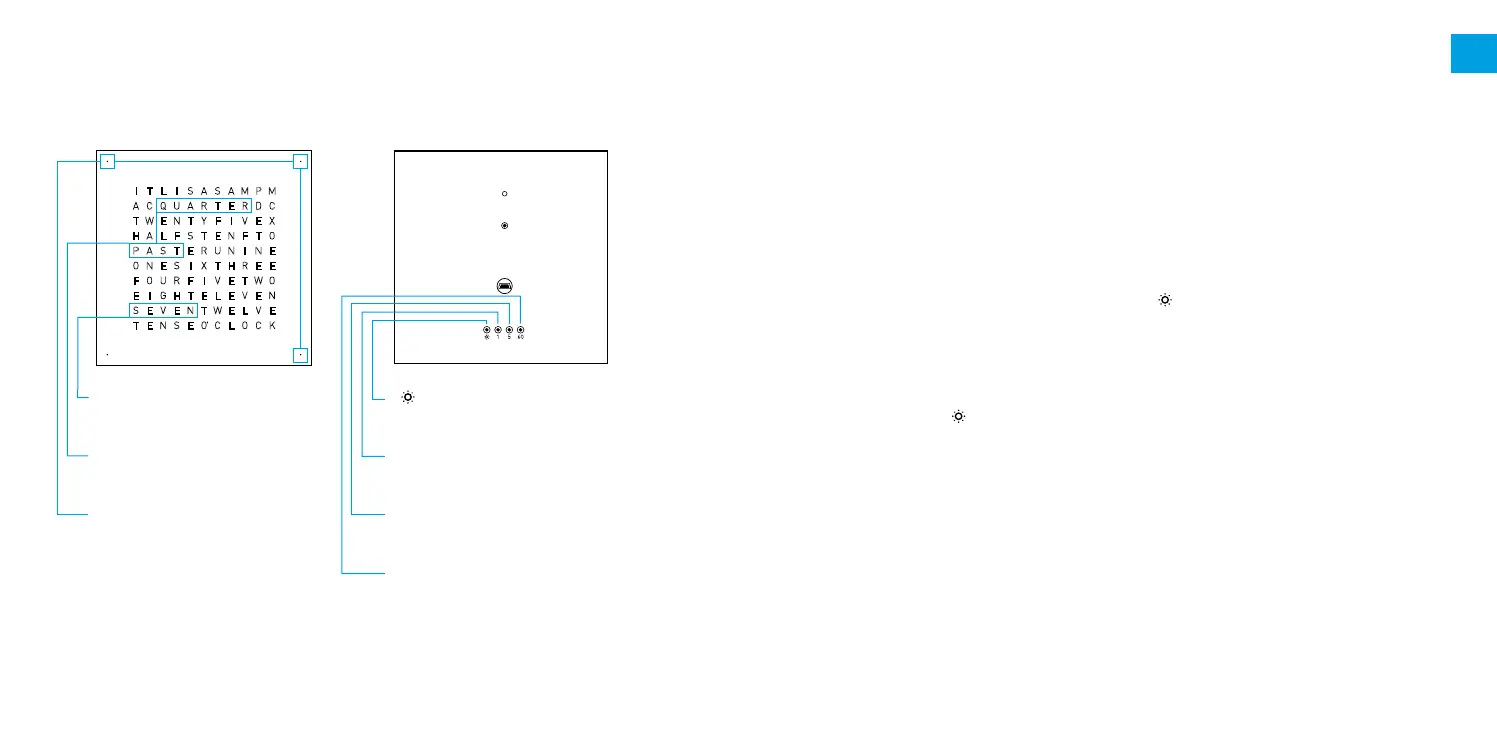
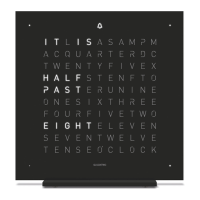
Time of day shown: 07:18 Control elements
3.2 Information on setting a time
QLOCKTWO CLASSIC can also be set from the front with some instinctive feeling.
Touching the [ 1 ] 1-minute step button will set the internal counter for seconds at zero.
This makes is possible to set the time precisely to the second.
Switching the "IT IS" display on/off:
The factory setting shows the introductory words "IT IS" for full hours and half hours.
>
If "IT IS" is always shown: Keep button [60] pressed for approx. 3 seconds.
>
Restoring the factory setting: Keep button [60] pressed for approx. 3 seconds.
Switching the second display on/off:
The seconds appear in large numbers on the front cover.
>
Switching the second display on: Keep the [ ] button pressed for approx. 1 second.
>
Switching the second display off: Press any button.
Setting the brightness:
The brightness level adapts automatically to the surrounding light in the "automatic
mode" (factory setting). The level of brightness can also be set manually.
>
Press button [ ] repeatedly.
The settings will change as follows:
[GB] EnGlisch - dick WEissfilm - sEitE 2 - 14. m aErz 2013
S
A RC TQ EU RA D
O XN TE HS RI E
H TA EL NF FS T
E EI LG EH VT E
T YW FE IN VT E
F IO VU ER TF W
P RA US NT IE N
S TE WV EE LN V
T OE CN LS OE C
I AT L AI MS P M
C
E
O
N
X
O
E
E
K’
Hour display
Set with button [60]
Display in 5-minute steps
Set with button [5]
Each light point
= 1 minute later
Set with button [ 1 ]
[
] button
Brightness setting
Button [ 1 ]
1-minute steps
Button [ 5 ]
5-minute steps
Button [60]
Hourly steps
■
Maximum brightness
■
Strong brightness
■
Medium brightness
■
Low brightness
■
Automatic mode (minute dots in the corners light up briefly)
EN


 To Next Page