5
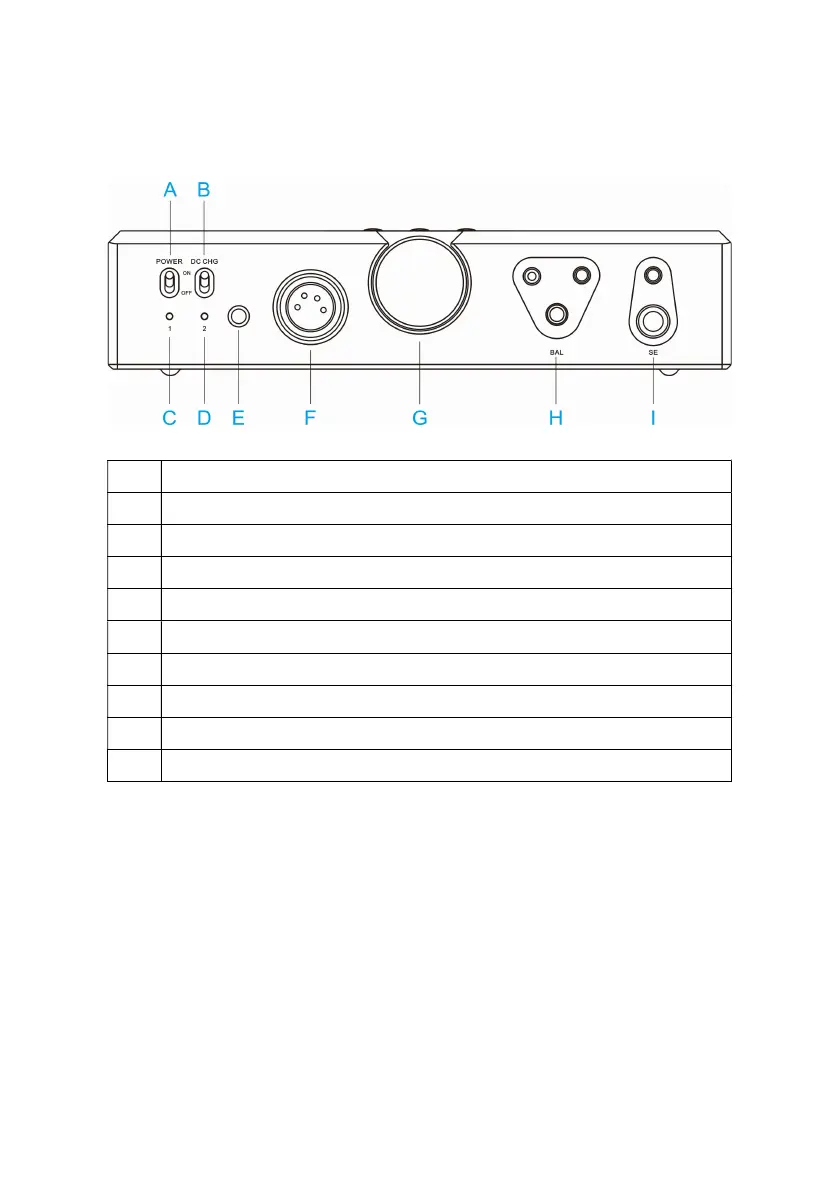
4.2 Front panel
NO.
Function instruction
A Power switch
B DC IN charging selector switch
C Off-screen indicator (this light is on when the screen is off)
D Charging status indicate lamp
E Infrared remote receive window
F XLR balance output port
G Volume knob(can control the headphone output and PRE-AMP function volume)
H Balance headphone output port(suitable to 2.5/3.5/4.4 insert needle)
I Single end headphone output port(suitable to 3.5/6.35 insert needle)



 To Next Page