10
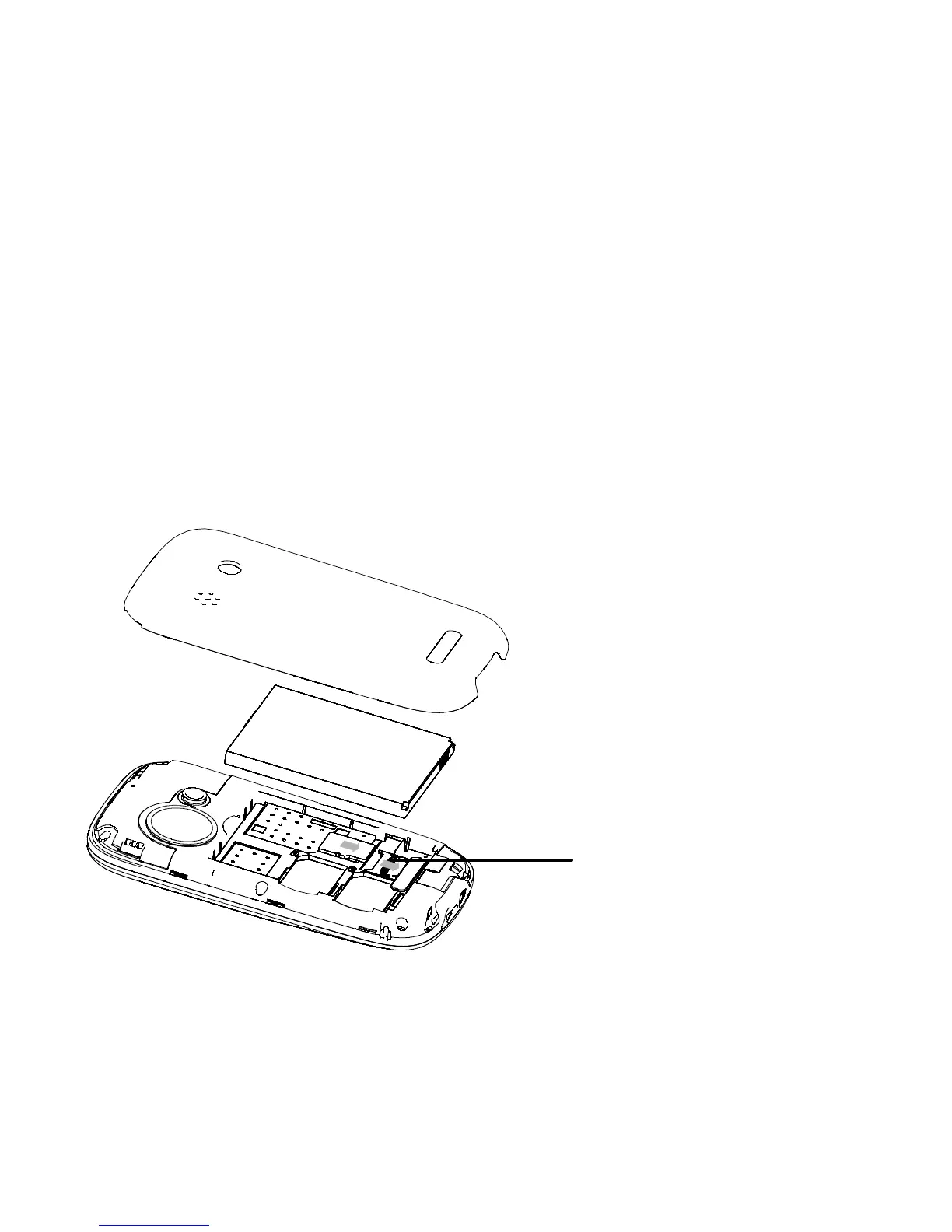
Install Memory card
As the mobile phone does not have enough
storage space, to use some functions, you need
to install a memory card (This mobile phone use
T-FLASH card.)
Install T-FLASH card: Open the back cover to
take out the battery, release the T-Flash card lock,
insert the T-Flash card into its slot, and restore
the lock and the battery before restarting the
mobile phone.
Note: As the T-FLASH card is small object, keep it
out of children’s touch or prevent children



 To Next Page