Software Download
Search for QCamera in the Mircosoft Store and download.
Or go to www.qomo.com/QCamera
Software Operation
1. The software consists of three parts:
◼ Camera Display Area
◼ Resources
◼ Toolbar
1.1 Camera Display Area
The default camera will be displayed in this area and can be edited on using tools in
the toolbar.
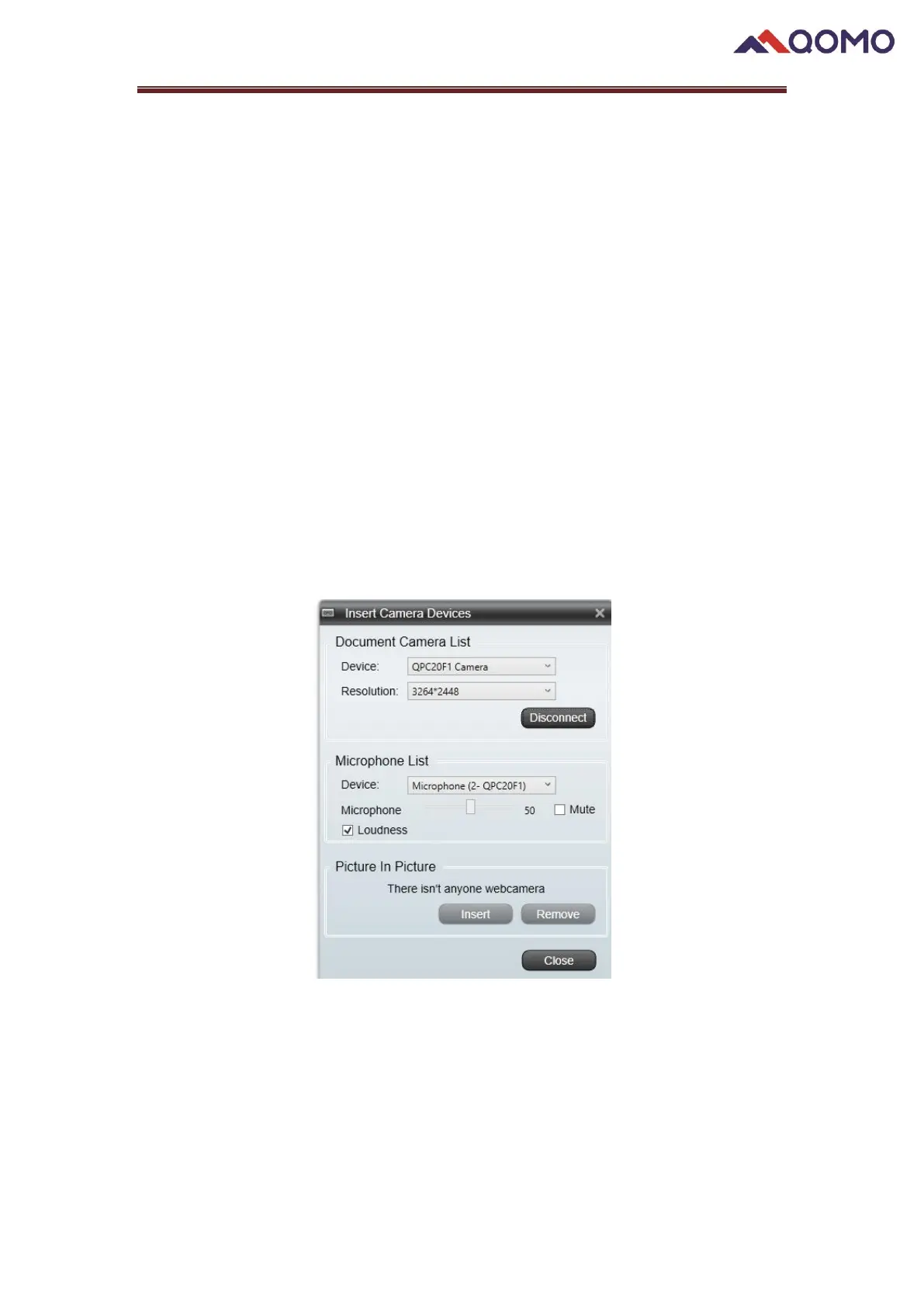
Select the device (ex: “QPC20F1 Camera”) or other connected camera device, and
select the resolution from the drop-down list (the resolutions displayed here depends
on the camera you are using)



 To Next Page