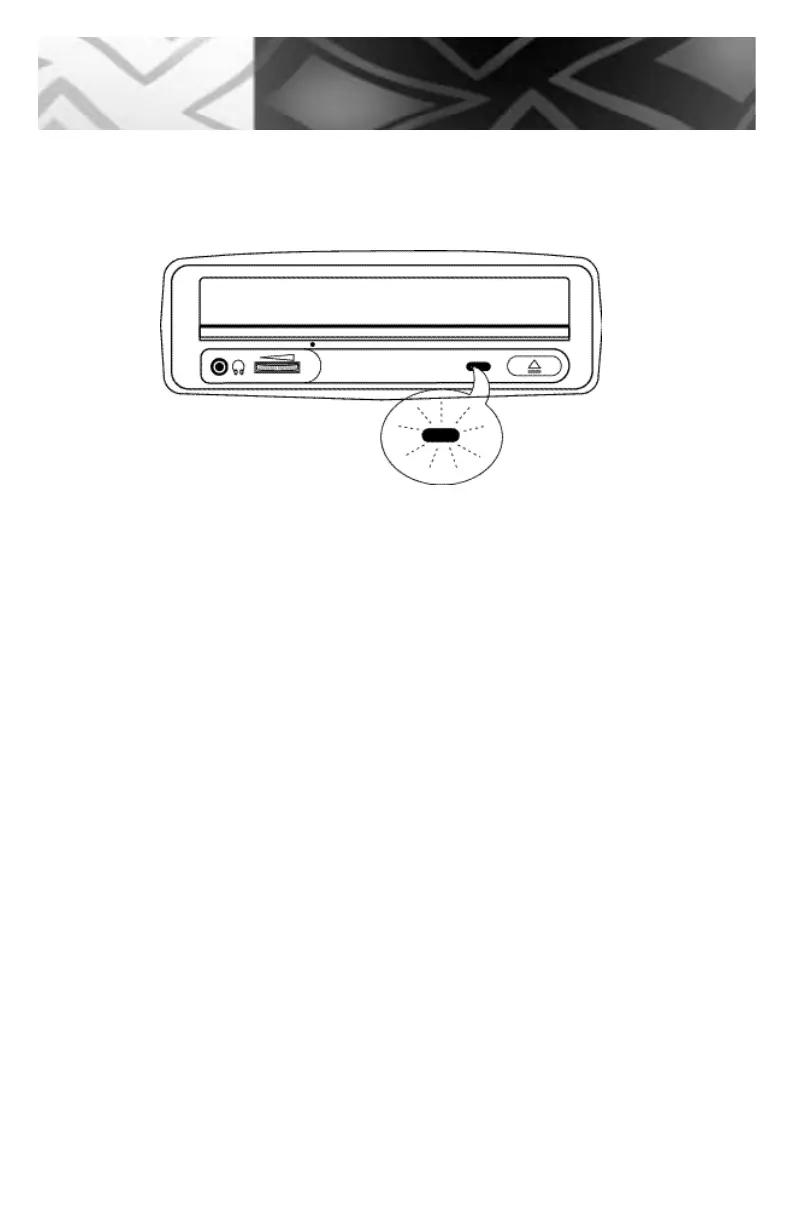
4. The busy lamp will light for a few seconds to indicate that a disc has been loaded
and the drive has accepted the disc.
5. To eject and insert the disc, press the EJECT button.
NOTE: Some software prohibits the use of the EJECT button, so a disc cannot be
ejected in this way. Please refer to the instructions supplied with your software.
6. Once it has been ejected, remove the disc by hand and return it to its jewel case.
NOTE: The disc cannot be ejected while the drive is reading or writing a disc.
27
Handling



 To Next Page