Chapter Five
Handling Guidelines
Media Insertion and Removal
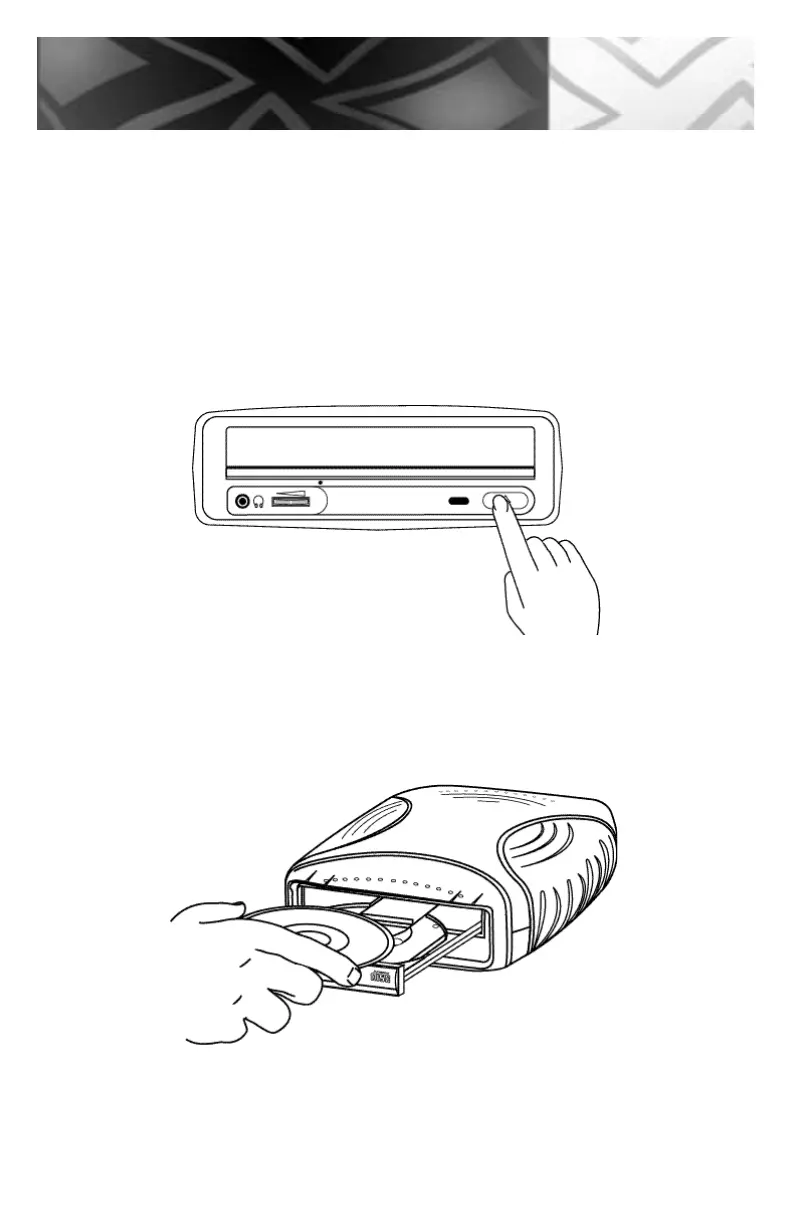
1. To insert the CD-ROM, CD-R or CD-RW disc, press the EJECT button.
2. Once the disc tray has fully extended, place the CD-ROM, CD-R or CD-RW disc
disc into the center of the tray.
Note: The disc surface must be clean and the label should be facing upward.
3. Press the eject button to have the drive accept the CD-ROM, CD-R or CD-RW disc.
26
Handling



 To Next Page