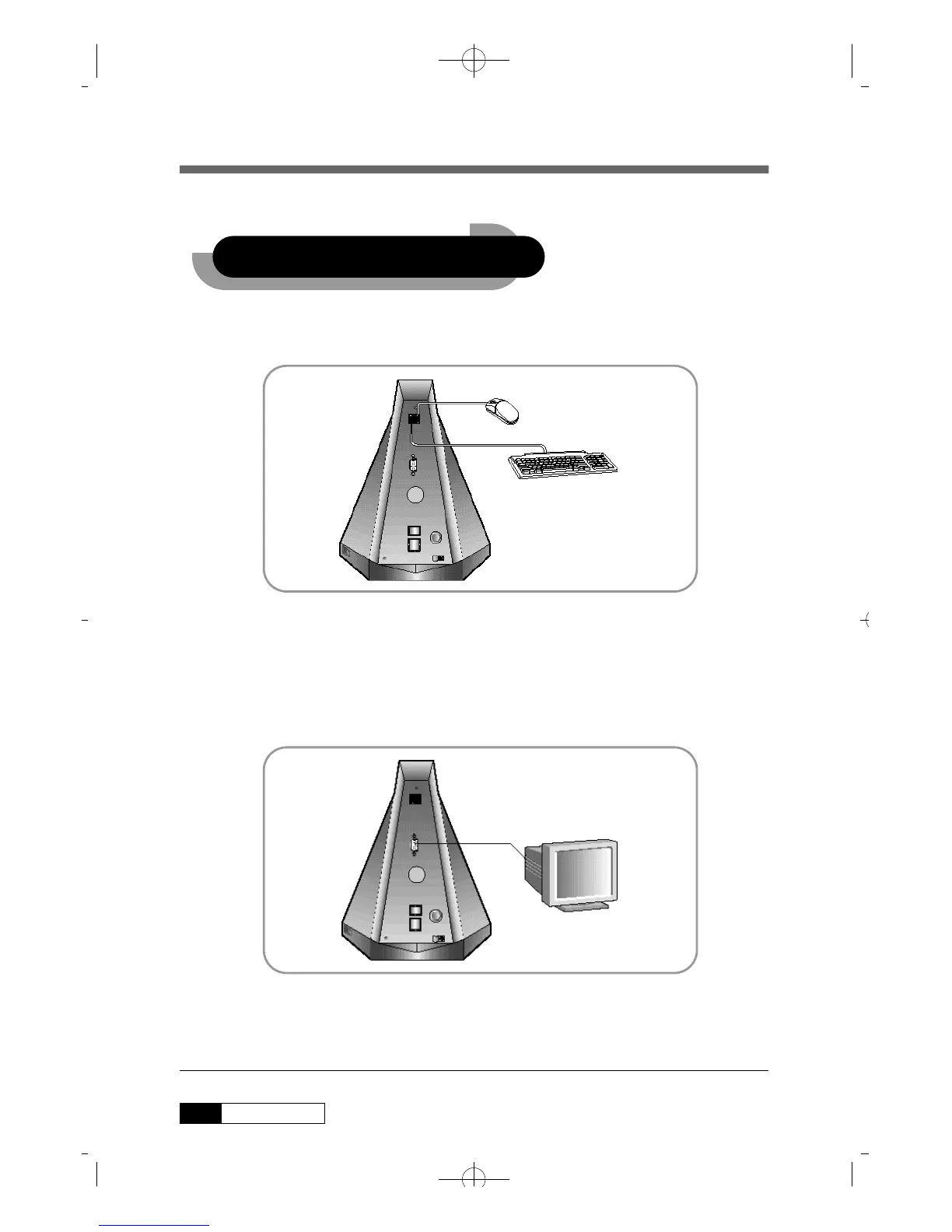
1. Plugging Keyboard and Mouse
• USB Keyboard/Mouse connectors are on the rear panel.
• Connect the keyboard cable to one of the USB connectors.
• Connect the mouse cable to the other USB connector.
2. Plugging the Monitor
Connect the monitor to the MONITOR connector colored royal blue.
8 Qrium CD663X
2. Installtion
2. Installtion
CD663X(øµπÆ)* 00.5.22 11:51 AM ∆‰¿Ã¡ˆ8



 To Next Page