EasyManua.ls Logo

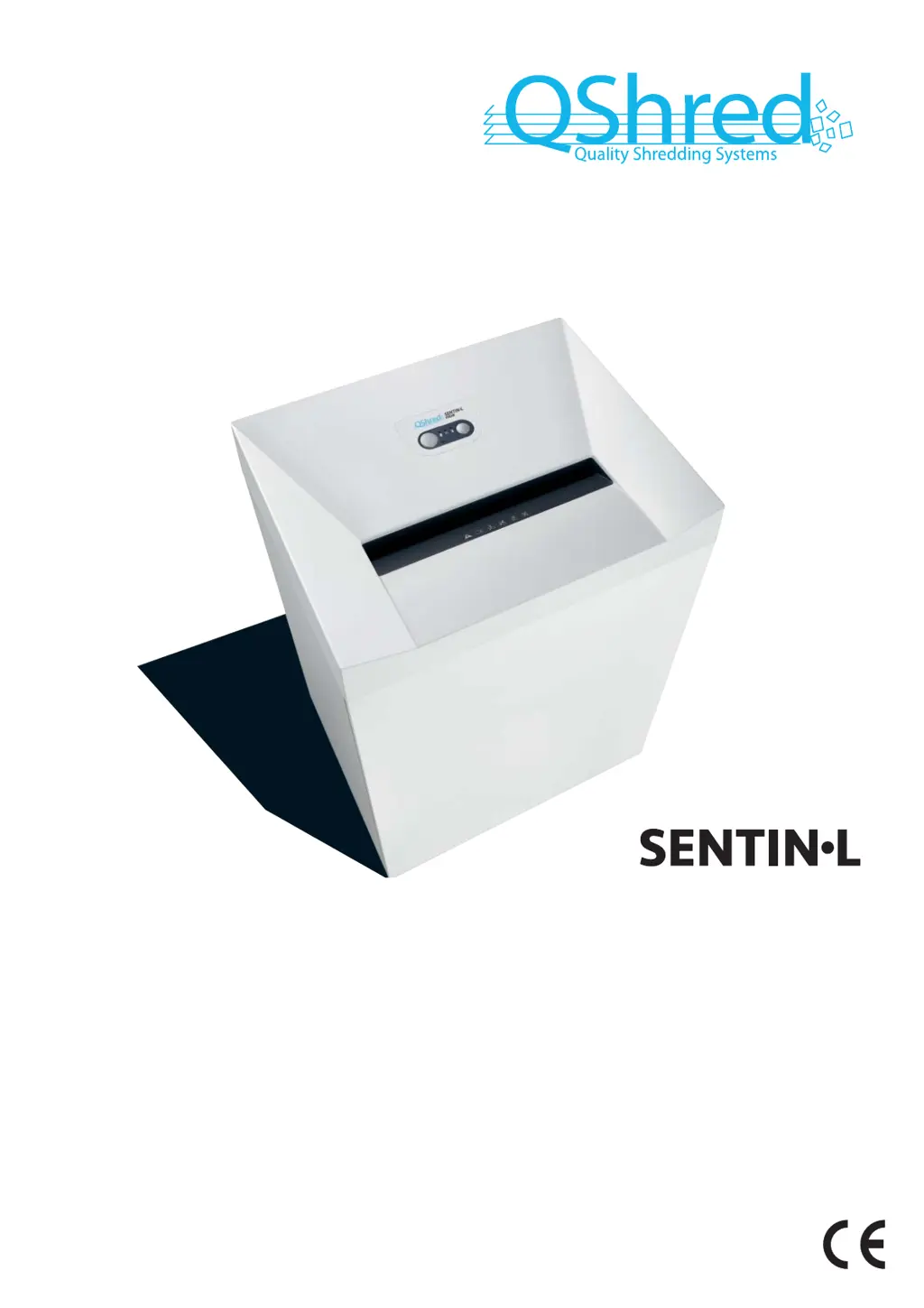
QShred SENTIN-L PROW - User Manual

QShred SENTIN-L PROW
32 pages
Go to English
Print Icon
To Next Page IconTo Next Page
Loading...
2.370.999.220 A
05/2016
BETRIEBSANLEITUNG
AKTENVERNICHTER
OPERATING INSTRUCTIONS
PAPER SHREDDER
NOTICE D‘UTILISATION
DESTRUCTEUR DE DOCUMENTS
INSTRUCCIONES DE SERVICIO
DESTRUCTORA DE DOCUMENTOS
PROW

Questions and Answers

  • K
    kevinduffyAug 4, 2025
    What to do if the shredded material container is full in my QShred SENTIN-L PROW Paper Shredder?
    • V
      Victoria JohnsonAug 4, 2025
      If the shredded material container is full, you should empty it. As a helpful tip: if you briefly press the reverse button before removing the container, some of the shredded material will be pulled back into the cutting apparatus, preventing it from falling out of the QShred Paper Shredder.
  • N
    Nicholas CalderonAug 10, 2025
    How to fix a paper jam in QShred SENTIN-L PROW Paper Shredder?
    • B
      Benjamin WalkerAug 10, 2025
      If you experience a paper jam in your QShred Paper Shredder, it likely means you've fed in too much paper at once. The shredder's cutting unit should automatically run in reverse for a few seconds to push the paper back out. If needed, press the reverse button “R” to help remove the stack of paper. Reduce the stack by half, and then feed the paper in smaller portions.
  • P
    Patricia MezaAug 16, 2025
    What to do if my QShred SENTIN-L PROW displays a general fault?
    • S
      susan50Aug 16, 2025
      If your QShred Paper Shredder displays a general fault, it indicates an issue occurred while shredding paper. To resolve this, pull the paper out of the slot to clear the light barrier.
  • J
    Jessica StephensAug 21, 2025
    Why is my QShred SENTIN-L PROW not working due to overload?
    • F
      Faith JacksonAug 21, 2025
      If your QShred Paper Shredder isn't working and it's due to an overload, the motor was likely overloaded. Allow the shredder to cool down for approximately 15-20 minutes before attempting to use it again.
  • J
    Jonathan VelazquezAug 28, 2025
    What to do if the door is open on my QShred Paper Shredder?
    • R
      Ronald CampbellAug 28, 2025
      If the QShred Paper Shredder indicates that the door is open, the solution is to close the front door.

Summary

Explanation of Symbols and Safety Instructions

Safety Instructions

General safety advice before machine use and specific risks of injury.

Dangerous for Children and Others

Specifies age and capability restrictions for machine use and supervision requirements.

Dangerous Mains Voltage

Warns about electric shock risk from improper handling and advises on cable checks.

Proper Use and Warranty

Overview and Components

Operating and Display Elements

Details and descriptions of the machine's controls, indicators, and their functions.

Initial Start-up

Dangerous Mains Voltage

Warns about electric shock risk during initial setup and advises on safe electrical connections.

Operation: Switching On and Shredding Paper

Switching on the Shredder

Step-by-step instructions on how to power on the document shredder.

Shredding Paper

Guidance on feeding paper into the shredder and how the automatic start works.

Operation: Shredding Media and Switching Off

Shredding CDs

Instructions for safely shredding CDs/DVDs, including safety precautions.

Shredding Credit Cards and Store Cards

Procedure for shredding credit and store cards, and proper disposal.

Switching off the Shredder

Steps to safely power down the document shredder.

Troubleshooting

Cleaning and Maintenance

Dangerous Mains Voltage

Warning about electric shock risk during cleaning and advising to disconnect power.

Disposal and Recycling

Scope of Delivery and Accessories

Technical Data

EU Declaration of Conformity

QShred SENTIN-L PROW Specifications

General IconGeneral
BrandQShred
ModelSENTIN-L PROW
CategoryPaper Shredder
LanguageEnglish