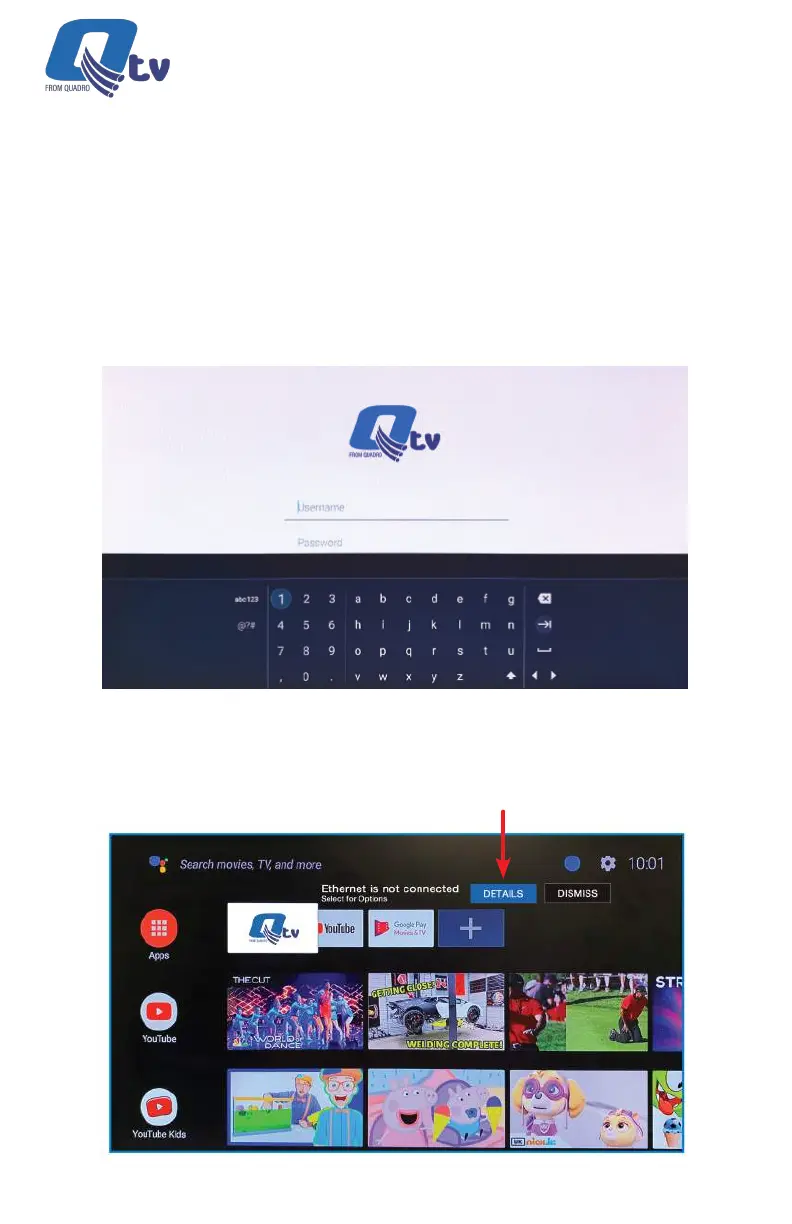
An example login screen is shown. This will be unique for each subscriber.
Credentials may be entered using the remote or via a USB keyboard
(recommended).
Once logged in, the following screen will be displayed. Select “DETAILS” to be
prompted for Wi-Fi network section and sign in. Alternately an Ethernet cable
may be connected at this time.
18
Qtv 2020 | Installation Guide



 To Next Page