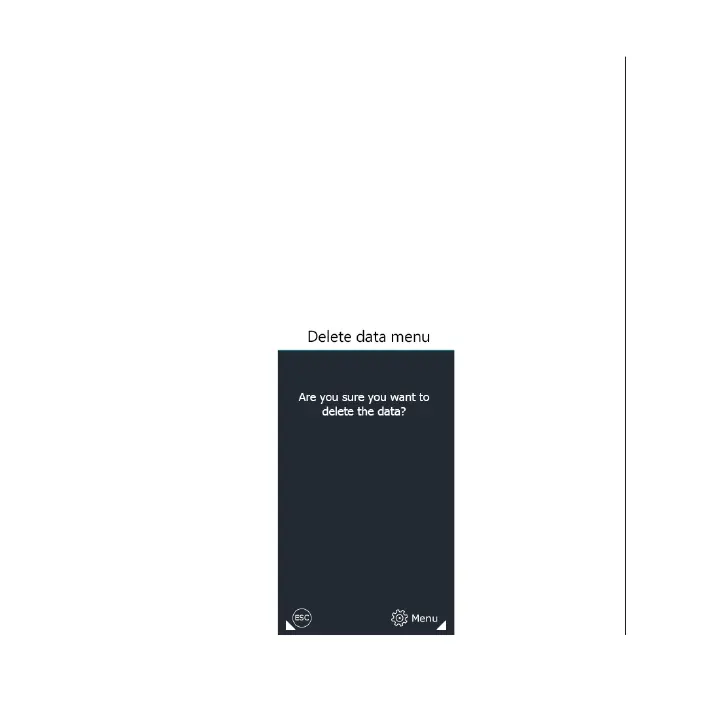
Allows us to reset the partial counter of portions processed. To
access this function we must press on the “Menu” screen, and then
press “Delete data”.
If you press the “Menu” button on the screen the delete conrmation
panel will appear. Only the partial counter will be reset.
If we press “Esc”, we return to the working screen without deleting any
data.
Delete data
Handling and settings
4343 EN


 To Next Page