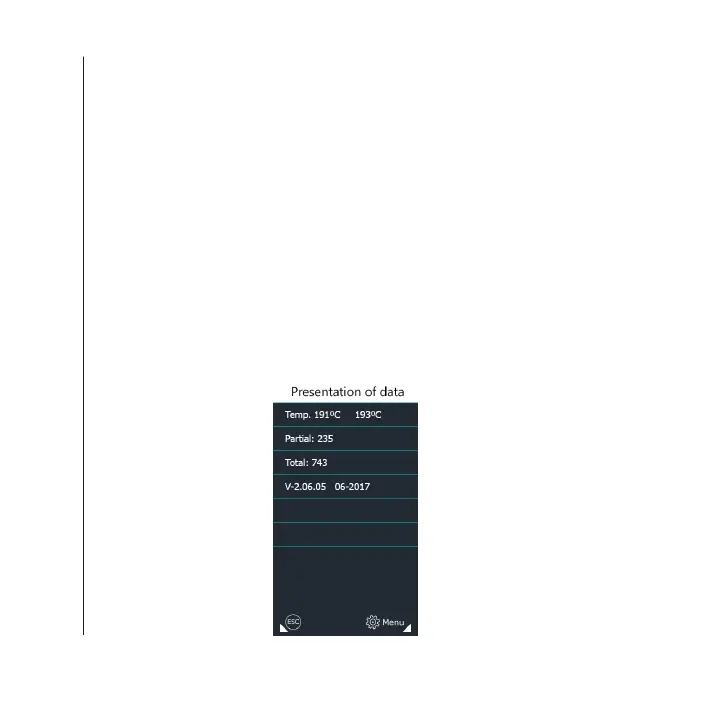
Displays the counters of the frying portions and instant temperature
values of the oil. It also gives the IP address to which the machine is
connected.
To access this function, we must press on the “Menu” screen, and
then press “Data”.
It shows the temperature of the two (2) probes, one for the
temperature and the other for the oil level; it also displays the
partial and total portions of the fryer. To exit this option, press the
“Esc” key.
Data
Handling and settings
42QUALITYFRY 42QUALITYFRY


 To Next Page