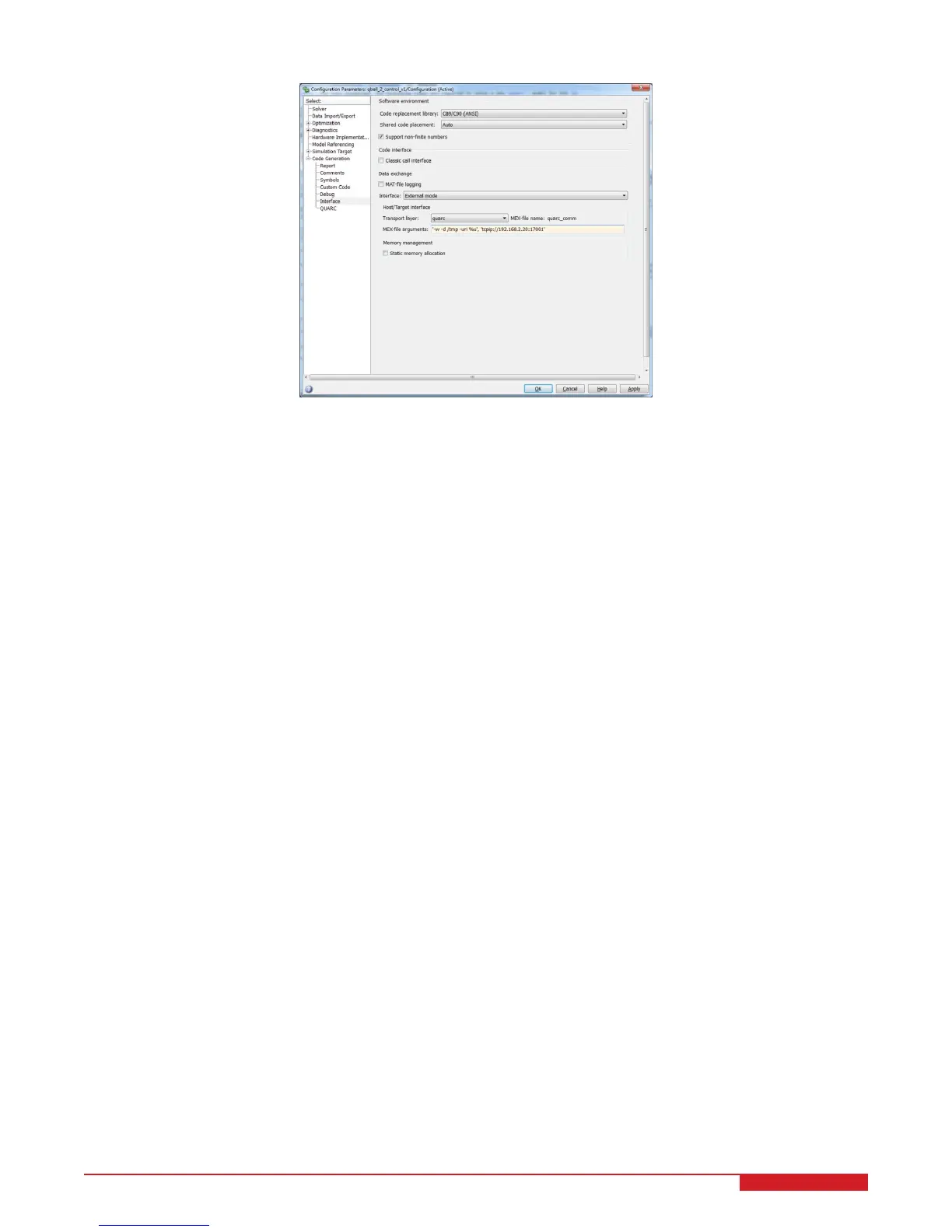
Figure 3.7: Model target IP settings
5. Select External for simulation mode, instead of Normal, which indicates that the model is to be run on the target
machine (Gumstix) rather than simulating the model on the host machine.
6. The model is now ready to be compiled and downloaded to the target. If the wireless connection to the vehicle
has been established, a QUARC
r
console can be opened to show additional messages and progress during
model compilation by going to the menu item QUARC | Console for all. Building the model (QUARC | Build)
will begin the code generation and compiling steps. Output from the compilation is shown in the QUARC
r
console. This step may take a few minutes to complete.
QBOT 2 - User Manual 22


 To Next Page
 Loading...