780 Handheld Test Instrument Page 17
3. Transfer your 3D bitmaps over to the 780 using the procedures described in the User Guide available on the
Quantum Data website.
4. Select a format that is suitable for rendering 3D images such as 720p60 and 1080. Use the procedures described in
Selecting an HDMI Resolution and Frame Rate.
If you have used the Quantum Data 3D Bitmap Conversion Tool, there is a naming convention for the 3D bitmaps
which also provides the required format for each specific bitmap.
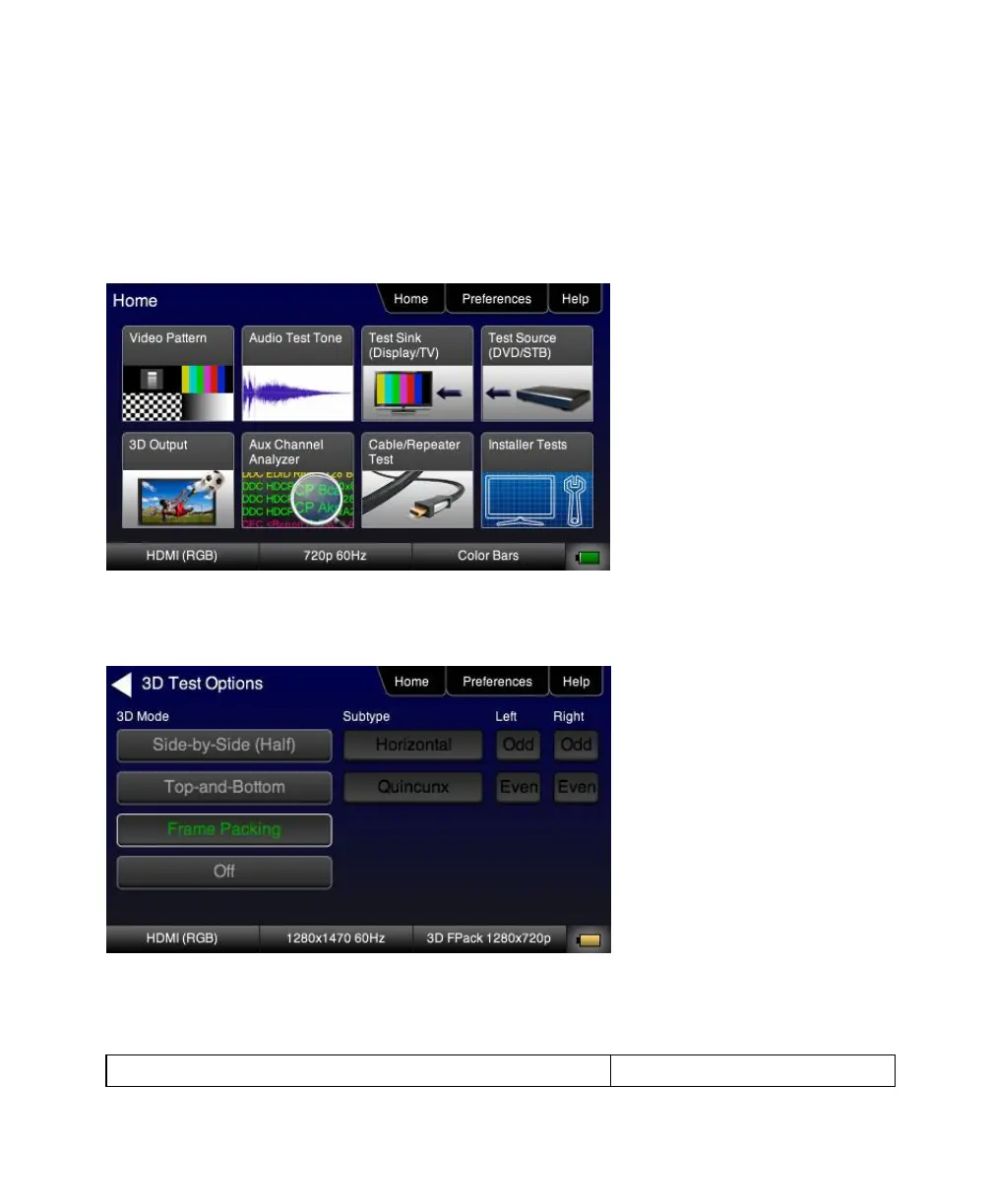
5. Touch select 3D Output option from the menu shown above.
The following screen will appear:
6. Select the 3D mode (Side-by-Side, Top-and-Bottom or Frame Packing) and then select the subtype and Left/Right
options (if applicable).



 To Next Page