780 Handheld Test Instrument Page 20
A message will appear informing you how to scroll the bitmap.
2. Drag and pan the test pattern.
4.6.3 Procedures for Viewing the Video from an HDMI Source Device
Use the following procedures to view the incoming video from an HDMI source device.
1. Connect the HDMI source device under test to the 780 HDMI IN connector.
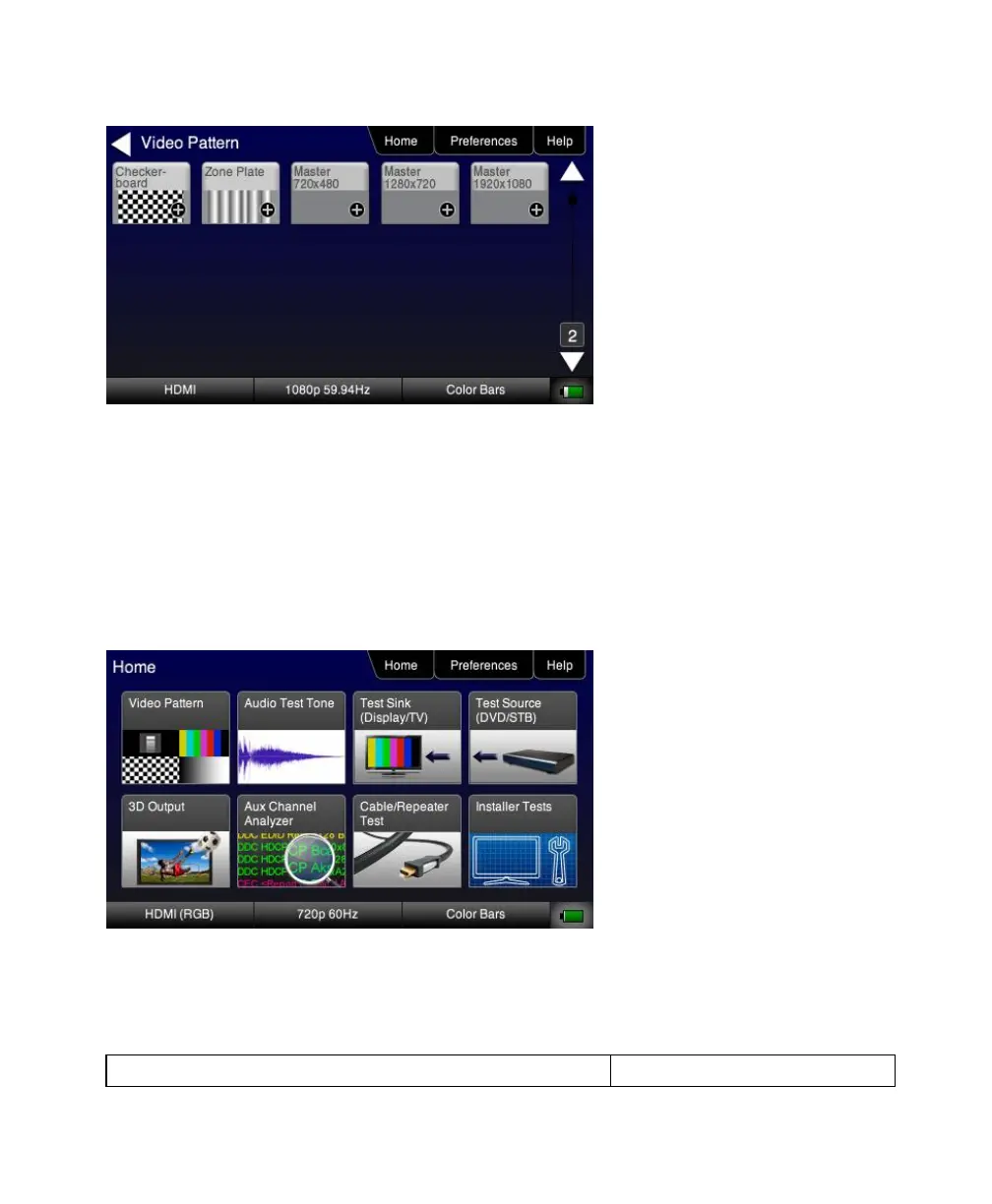
2. Touch select Test Source (DVD/STB) from the top level menu shown below.
3. Touch select Video Display from the Source Tests menu shown below.



 To Next Page