780 Handheld Test Instrument Page 44
5.3.2 Procedures for Testing CEC on an HDMI Sink Device
Use the following procedures to test CEC on an HDMI sink device.
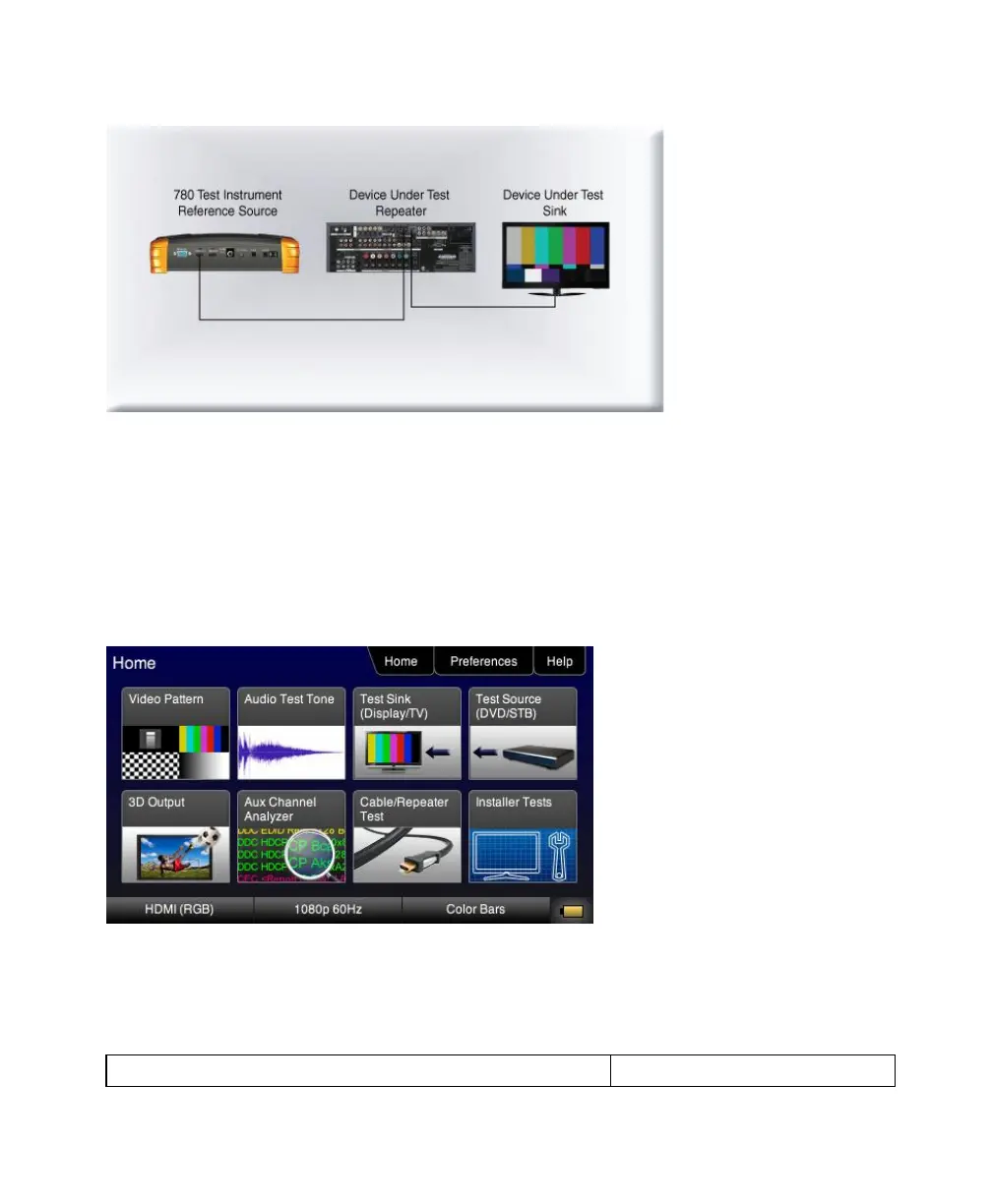
1. Connect the 780 HDMI OUT port to an HDMI sink device (e.g. HDTV or A/V receiver) using the configuration
guidelines provided above.
2. Follow the procedures above in the section entitled: ―Selecting a Signal Type and Resolution‖ to enable the HDMI
output.
3. Touch select Test Sink (Display/TV) from the top level menu shown below.
4. Touch select the CEC Test activation button from the Sink Tests menu shown below.



 To Next Page