780 Handheld Test Instrument Page 51
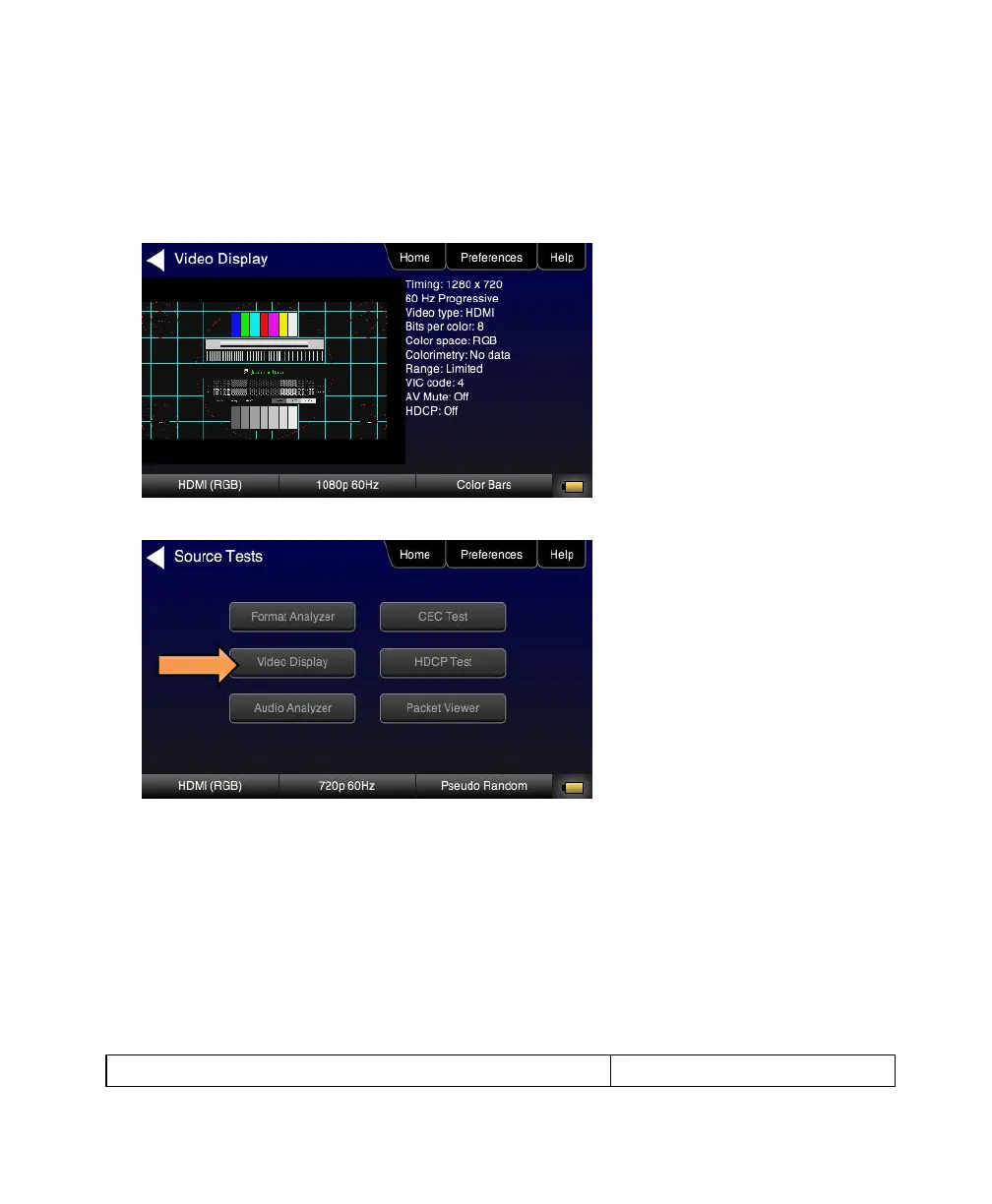
7. Touch select the Start Detailed activation button on the Video Display menu to view the incoming video along with
the metadata from the source device under test. In this example a test pattern is shown.
Note that the HDCP encryption status and AVmute status are also shown.
8. Return to the Source Test menu by touching the LCD. The Source Test menu reappears.
9. Touch select Format Analyzer from the Source Tests menu shown below.
10. Touch select the Read activation button (shown on the screen below) to initiate the test. The results are shown in
the screen shots below. The first screen shows a typical pass results, the second screen shows a failure condition
and the third screen shows a case where the incoming format was unknown.



 To Next Page