780 Handheld Test Instrument Page 66
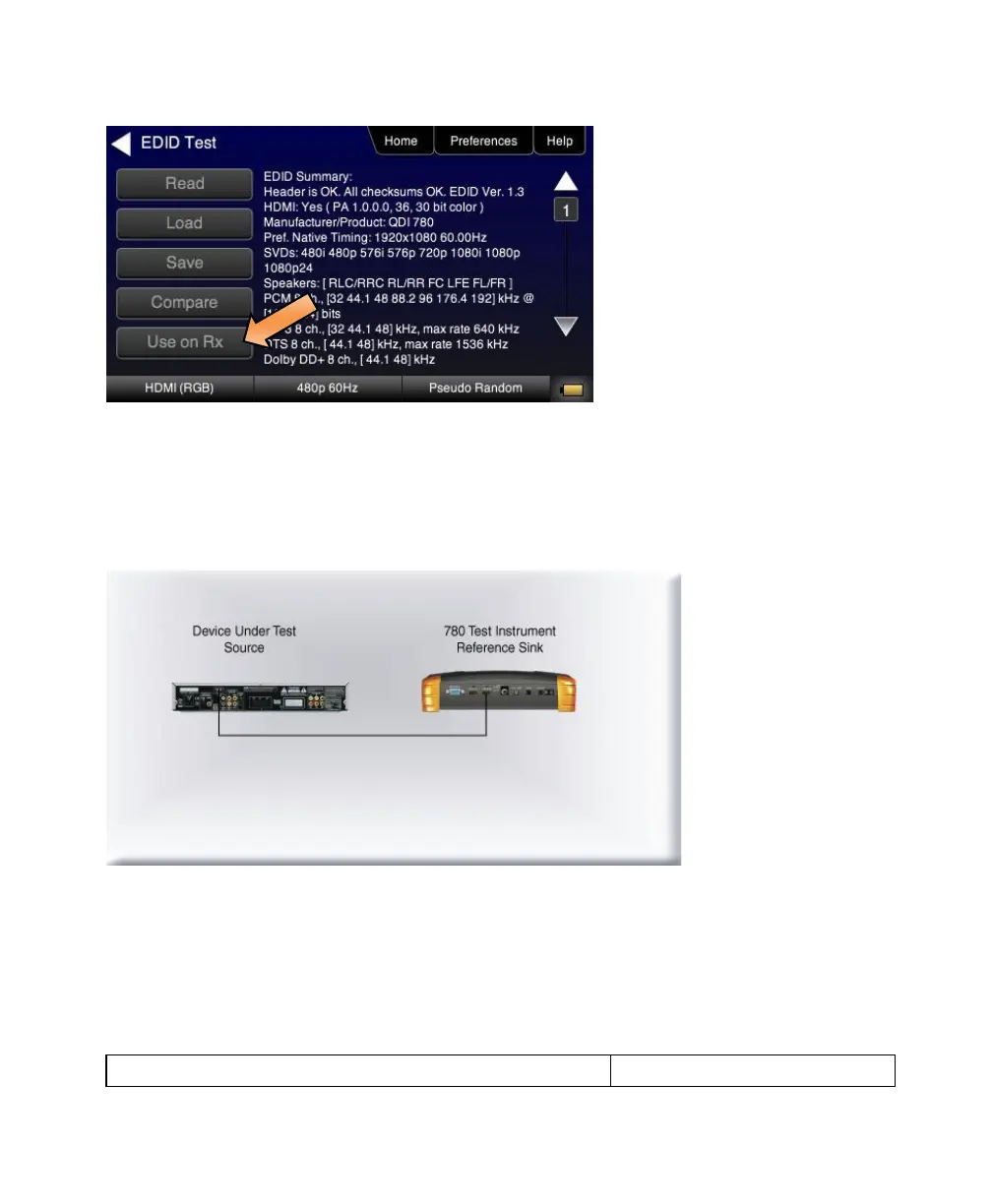
8. Touch select the Use on Rx activation button to apply the EDID, you have either loaded from a file or read from an
HDMI sink device, to the 780 HDMI IN port.
9. Connect the 780 HDMI IN port to the HDMI output of a source device you wish to test as shown in the illustration
below.
This will cause a hot plug event and the source device under test should read the EDID of the 780 HDMI IN port.
Run the Format Analyzer test and other diagnostic tests on the source to determine how it responded to the EDID.



 To Next Page