780 Handheld Test Instrument Page 76
7.3 Diagnosing HDMI Interoperability Problems with a Repeater
This subsection describes how to diagnose HDMI interoperability problems related to an HDMI repeater device
(Repeater Test).
7.3.1 Connection Configurations for Testing HDMI Repeater Devices
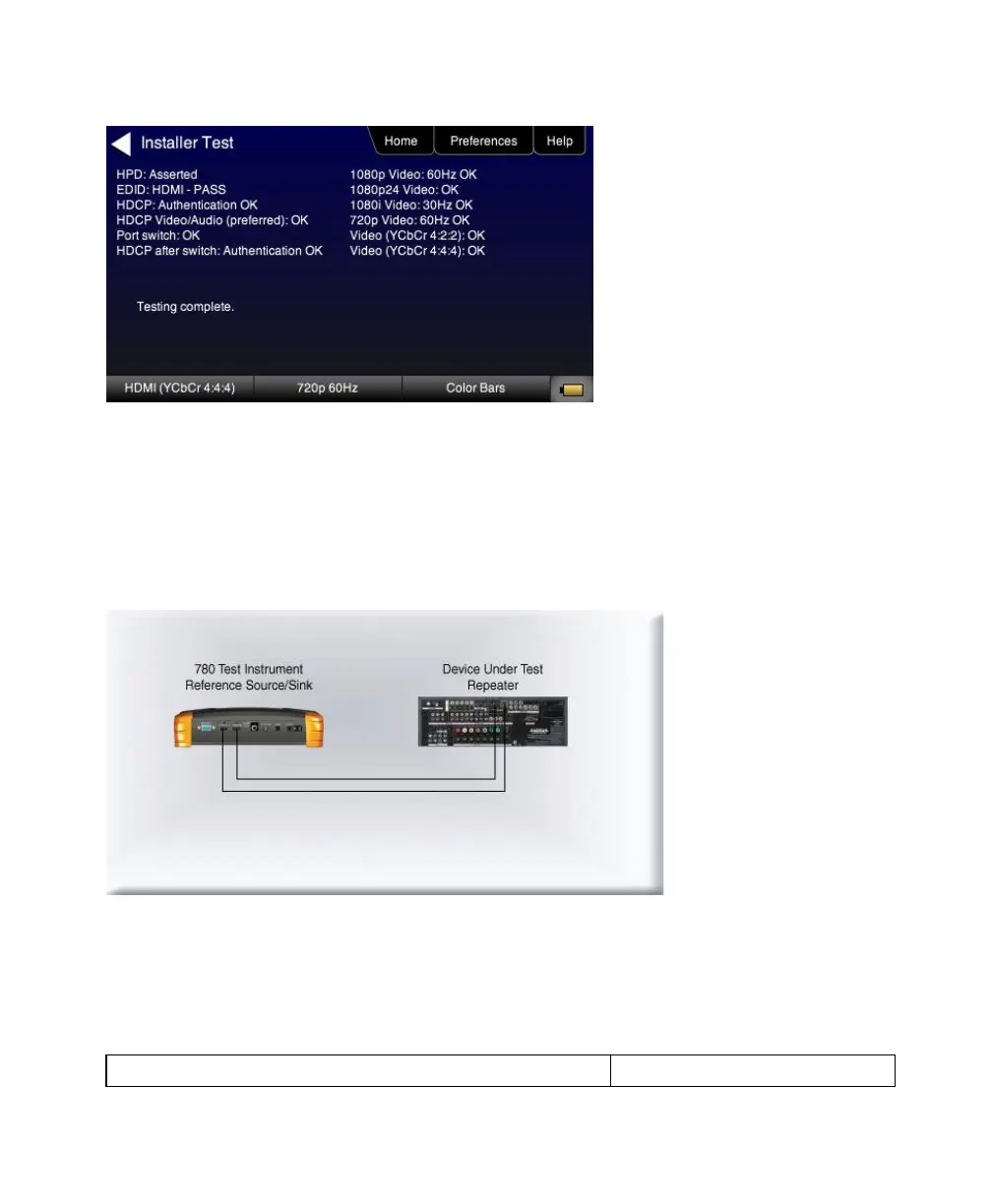
The 780’s HDMI input port acts as a ―reference‖ HDMI source and sink device simultaneously. Therefore it enables you
to emulate both a known good HDMI source and sink device to conduct diagnostics on a repeater device. The following
illustration shows the typical configuration.
7.3.2 Procedures for Testing Repeaters (Repeater Test) with the Installer Utility
Use the following procedures to test the video from an HDMI repeater device with the Installer Utility.
1. Make the physical connections between the 780 HDMI IN and OUT ports and the sink device under test using the
configuration instructions above or by following the instructions on the screen.



 To Next Page