780 Handheld Test Instrument Page 8
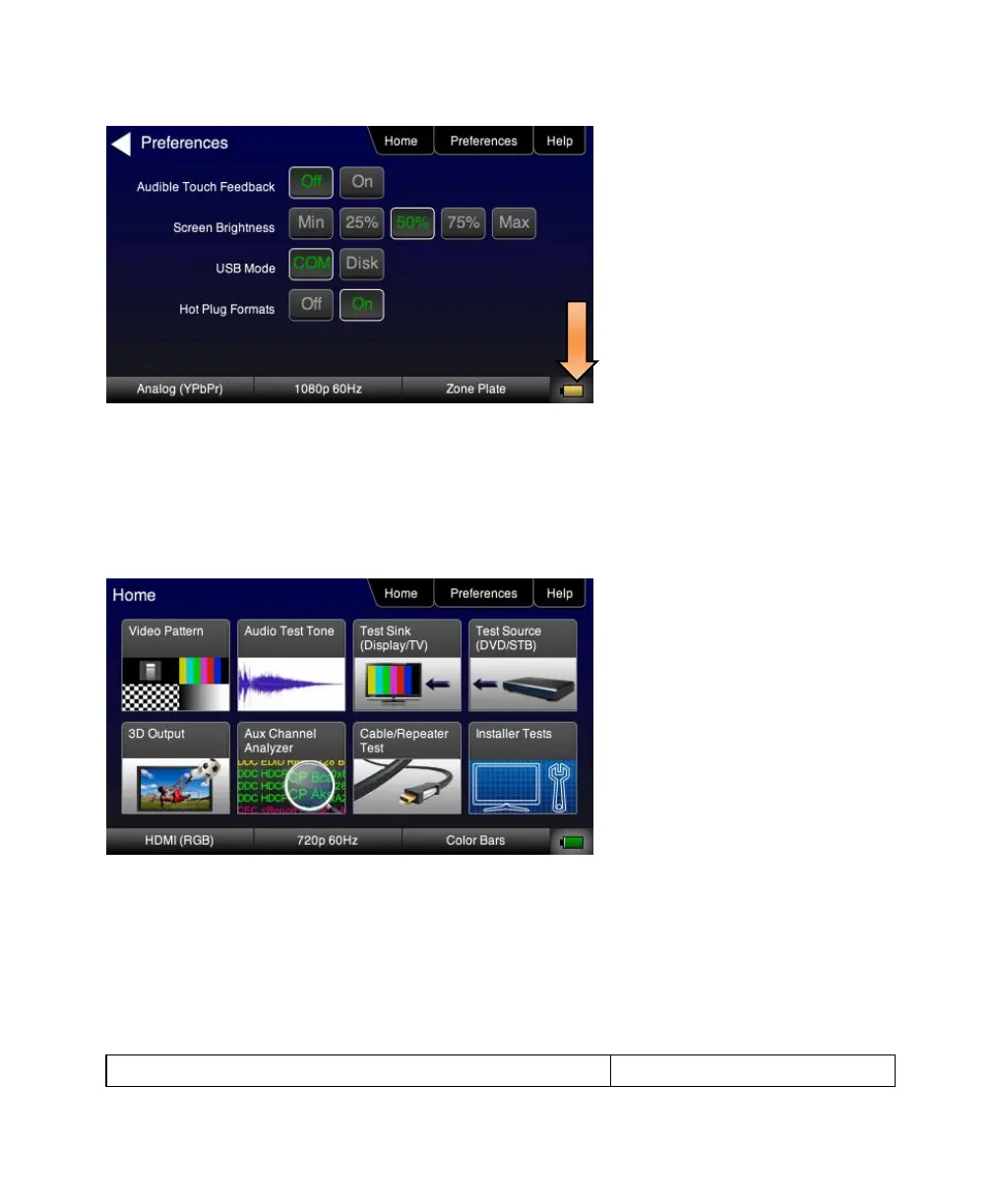
3.2 Navigating through the 780 User Interface
The 780 user interface is a color touch screen display 480 by 272. A single touch will activate an item on the screen or
take you down to a lower level menu. A + indicates that you have to double touch to navigate down to a lower level
menu.
Note: The top level menu will appear differently depending on what options have been purchased.



 To Next Page