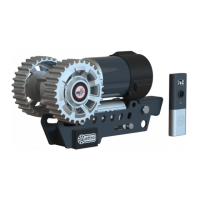
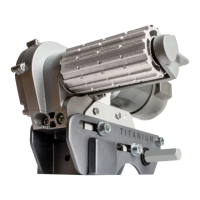
By default the Quattro system is set up for use with a Quattro 600 Auto mover on a single axle caravan. If a Quattro 500 manual
multifunctional button (Fig.1C) for three seconds,
this will open the system menu. Navigate through the system menu moving the thumb control (Fig.1B) up or down. Select the
control up and down to desired function. At any point, press multifunctional button (Fig.1C) to go back to previous screen, or hold
for two seconds to return to home screen.
make a selection. The active option will be shown with a solid white circle in the centre of the icon.
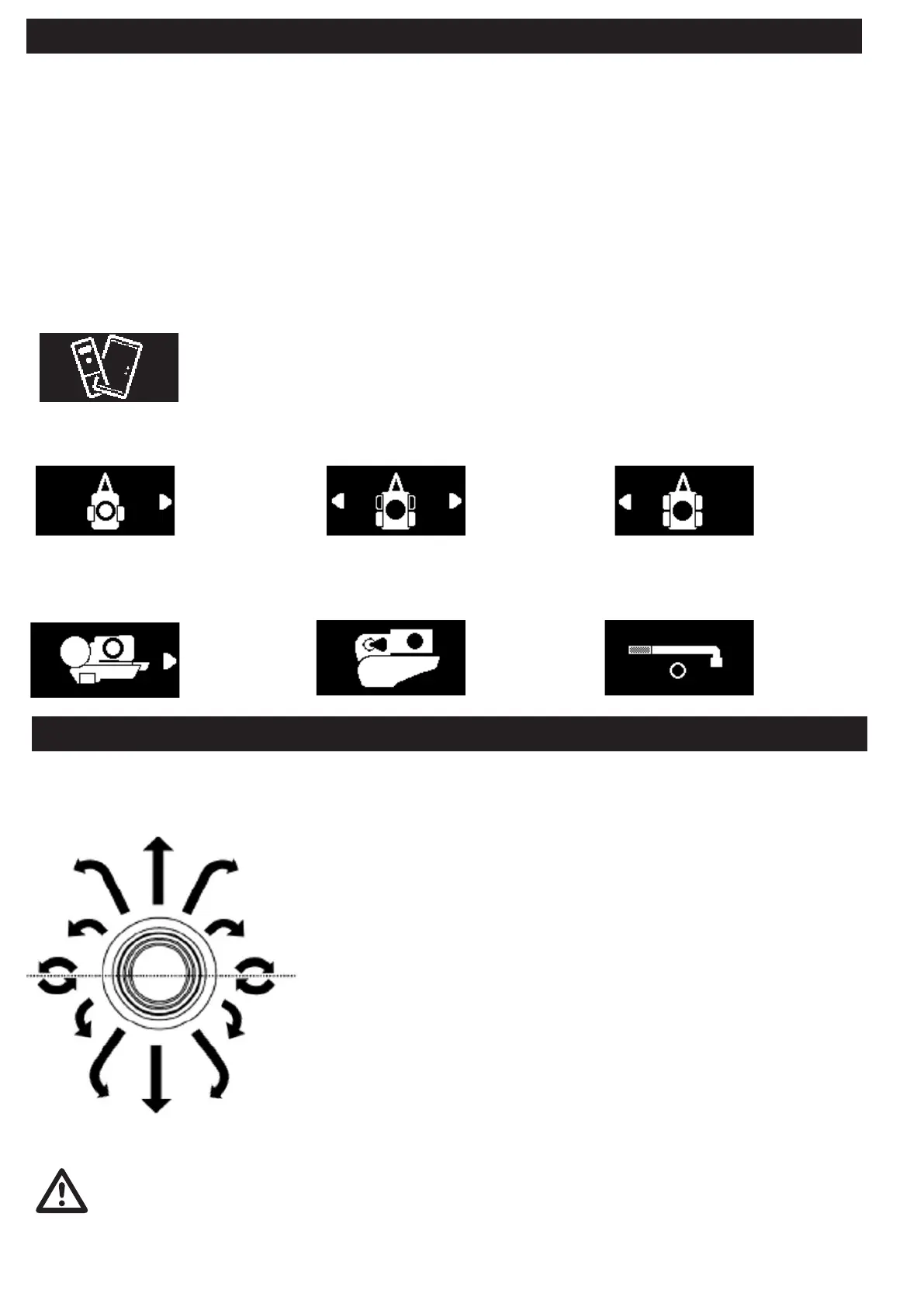
The Quattro mover utilises a thumb control for precise control of speed and direction. The speed of operation is dictated by how far
the stick moves from its centre point, to the outer perimeter. Direction is dictated by the radial position of the thumb stick (moving
the stick from left to right).
Operation - Setup & Handset Pairing
Page 6
Operation - Manoeuvring
Refer to your handset screen to ensure the caravan is orientated in the desired way.
For example if the hitch is at the top of the display, when the thumb control is moved
upwards the hitch side of the caravan will move forward. If the rear of the caravan is
at the top of the display, the rear of the caravan will move forward when the thumb
control is moved upwards.
For smooth operation always begin by moving the thumb control in the general
direction you would like to head (forwards or reverse), the further the thumb control
moves away from the centre the faster the mover will operate. From this point
direction. The more the control is moved sidewards the tighter the turning radius that
will be achieved. Note moving the thumb control to the hard right or left position will
engage the spin on the spot function on single axle caravans.
Single axle caravans have the ability to spin on the spot. To engage this, move the stick
into the hard right or hard left position from centre .
The Quattro electronics have a regenerative braking feature that allows full directional control to be maintained
while moving downhill. This is achieved by feeding energy under braking back from the motors into the battery.
Some lithium leisure batteries do now allow this and when an incompatible battery is detected, the feature will
be automatically disabled within software to prevent damage. Therefore, when moving down an incline with
an unsupported battery, manoeuvring is limited. To ensure the best performance and compatibility on a lithium
battery we recommend only using approved batteries.
Single Axle Mode
For use with single
axle caravans, all
functions including
spin on the spot are
enabled.
Twin Axle Mode
For use on twin axle
caravans (2 motors).
Spin on spot function
disabled.
AWD Mode
For use on twin axle
caravans (4 motors).
Spin on spot function
disabled.
Handset Pairing - The handset and control box will arrive pre-paired so this setting is only required when the handset
has lost its pairing or a replacement part has been received. To pair the handset press thumb control button (Fig.1B)
when this icon is displayed in the menu to begin the pairing search process. Ensure the caravan power is on and hold
the handset within 10cm of control box. Once successfully paired the handset will return to the home screen.
changed to suit.
changed to suit. Note: Selecting the wrong setting for your mover could risk damage to the unit or your tyre, or the system not working.
Quattro Diamond
For use with the
Quattro Diamond
(Quattro600 Auto
mover) only.
Quattro Platinum
For use with the
Quattro Platinum
(EGO500 Auto
Mover) only.
Quattro Manual
For use with Quattro
movers with a
manual (Tool)
engagement.


 To Next Page
 Loading...