EN.
52
In case the Shutter operates using limit switches, but the user still wants to control the
opening/closing position with time, this is still possible. If a time duration, which is longer than
the opening/closing time of the shutters in real time (limited by the limit switches), is set, the
Shutter will stop at the limit switches, but the device relay will switch it off after a defined time,
not by the limit switch of the Shutter. Take into consideration that in this condition, positioning
the shutters with the slider (through the UI) will not display the correct position of the Shutter.
Parameter no. 76 - Motor operation detection
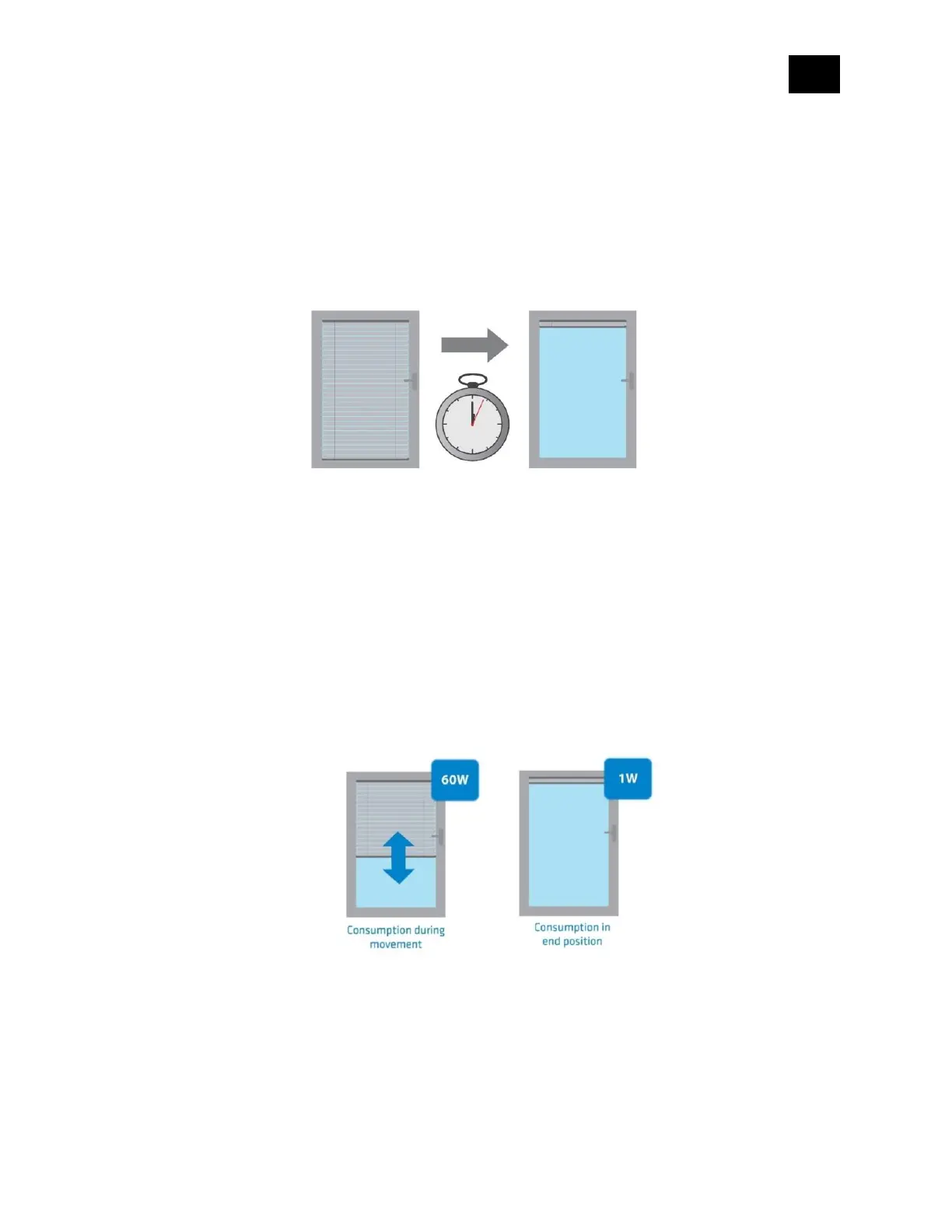
Define the power consumption threshold at the end positions. Based on this value, the device
will know, that the shutters reached the limit switches.
Values (size is 1-byte dec):
• default value 30 = 30 W
• 0 - The value 0 means that reaching a limit switch will not be detected.
• 1 - 127 = 1 – 127 W
Parameter no. 78 - Forced Shutter calibration
By changing the value of this parameter from 0 to 1, the Shutter enters the calibration mode. For
further information about the calibration process, please see section 13.
Values (size is 1-byte dec):



 To Next Page