USER MANUAL
After entering the parameter setting mode, the window will display “---
”, the 100’s digit will flash, initial password can be inputted.
Input password: Click the or button to input the 100’s digit, and
then click the ★ button when displaying the selected value of 100’s
digit. After that it comes into 10’s digit input. The inputting methods of
the 10’s digit and 1’s digit are same with the 100’s digit.
If the inputting password is wrong for the first time, it comes into the
password-inputting interface again and the window displays “---”. Input
the password again as the step 2.
If the inputting passwords both are wrong, it cannot come into the
parameter setting and return to the work state directly.
If the inputting password is right, it comes into the parameter setting,
firstly, work mode setting interface.
2.5.1.3 Set the Work Mode
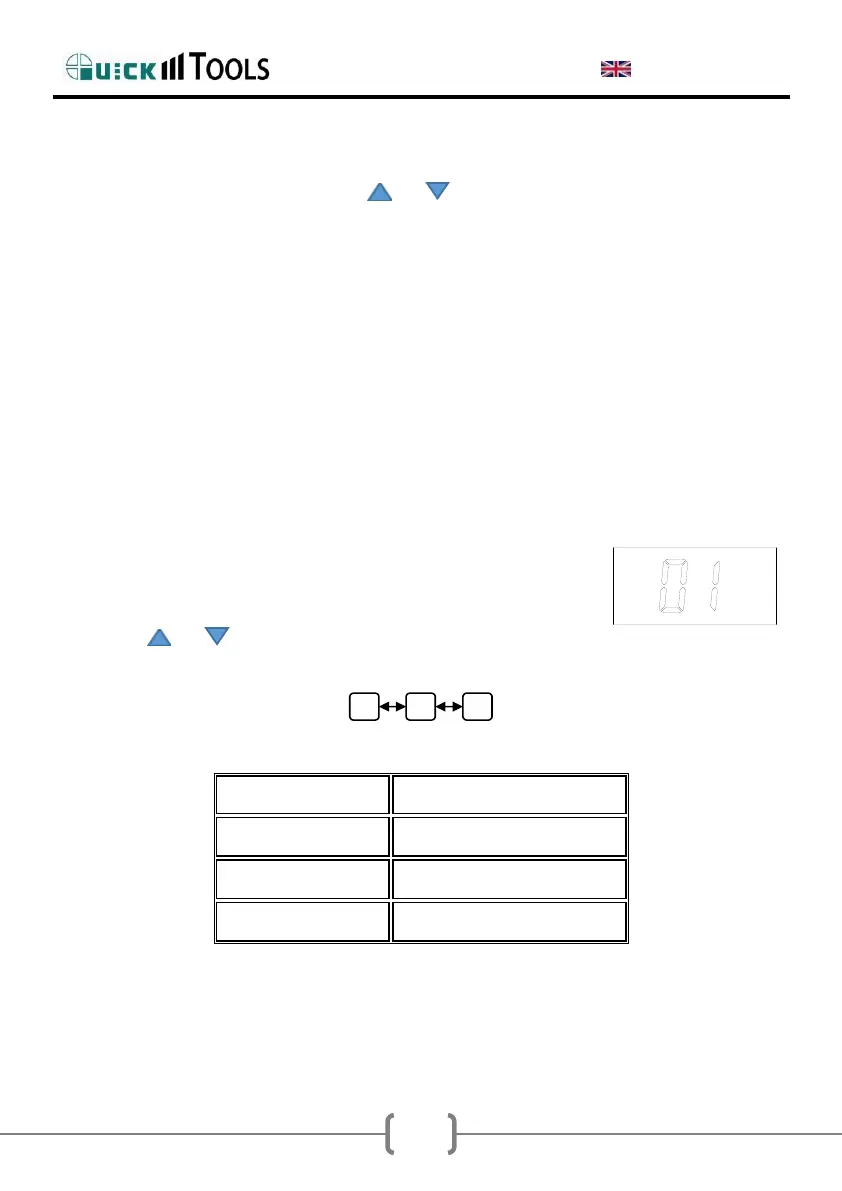
If the input password is correct, it comes into the work
mode setting and the window displays the current work
mode, such as the following picture:
Click the or button to select the work mode and
the work mode changing sequence is as following
Work Mode Table
After selecting the work mode, click the ★ button into the new password setting.


 To Next Page
 Loading...