EasyManua.ls Logo

quiko QK-CE220BATRL - User Manual

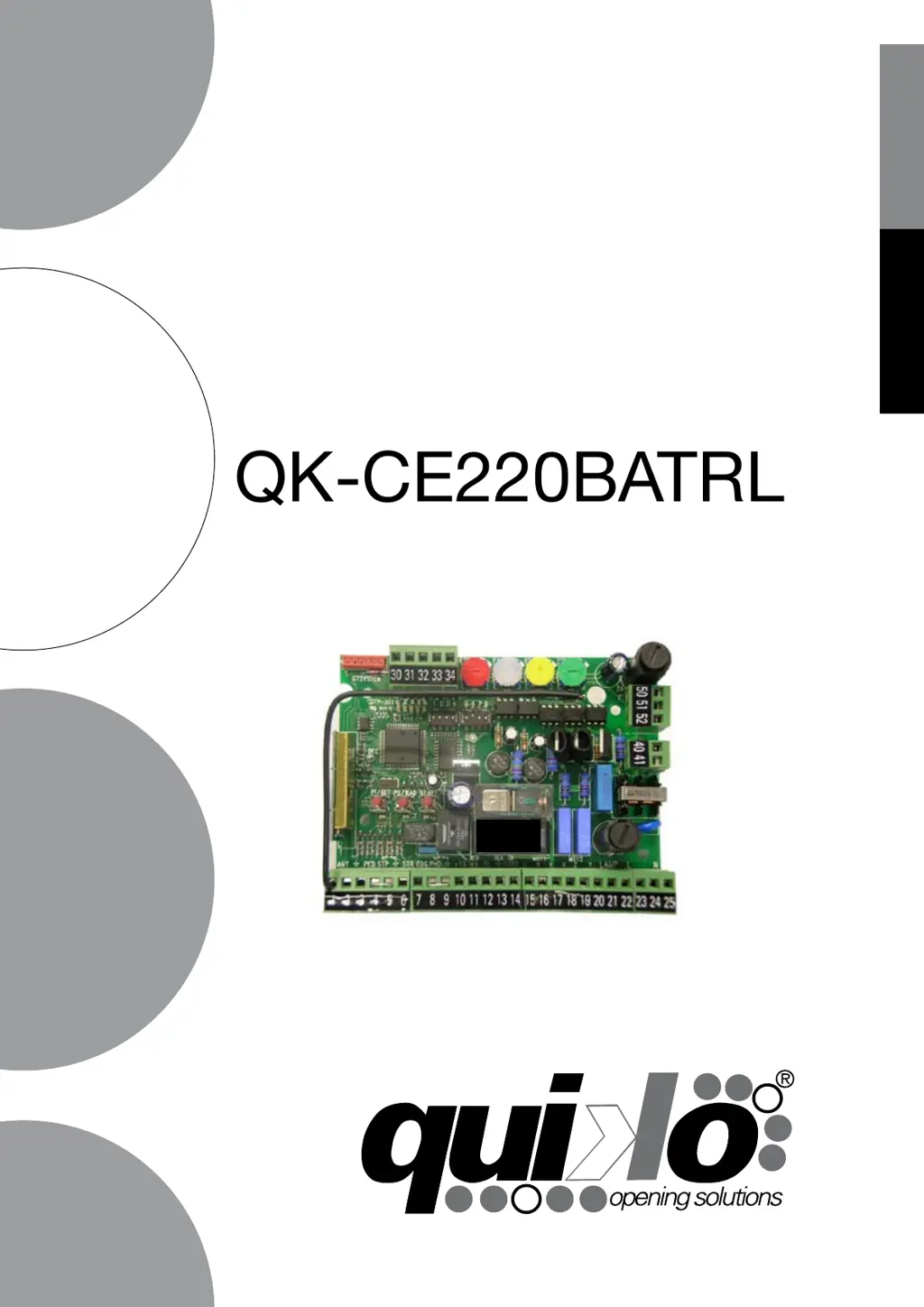
quiko QK-CE220BATRL
32 pages
Print Icon
To Next Page IconTo Next Page
Loading...
E
N
G
L
I
S
H
I
T
A
L
I
A
N
O
ELECTRONIC CONTROL BOARD FOR
TWO 230VAC MOTORS
g
u
i
d
a
a
l
l
i
n
s
t
a
l
l
a
z
i
o
n
e
u
s
e
r
m
a
n
u
a
l
QK-CE220BATRL

WARNING!
Before installing, thoroughly read this manual that is an integral part of this
Kit. QUIKO declines any responsibility in the event current standards in the
country of installation are not complied with
The symbol CE conforms with European Directive R&TTE 99/05CE
ELECTRONIC CONTROL BOARD FOR
TWO 230VAC MOTORS

Table of Contents

Questions and Answers

  • W
    William BrewerAug 10, 2025
    Why doesn't my quiko QK-CE220BATRL gate open?
    • C
      Carrie SmithAug 11, 2025
      If your quiko Controller gate doesn't open with the remote or key-switch, it could be due to several reasons. First, check the master switch to ensure there's 230V mains voltage. Also, verify that the emergency STOP isn't engaged by checking any STOP commands connected to the STP input. If the STP input isn't used, ensure there's a jumper on it. Inspect the fuses and replace any that are burnt out with ones of the same value. Finally, check the motor power cable connection at the terminal board or replace the cable if it's faulty.
  • C
    Christopher RiveraAug 16, 2025
    What to do if quiko QK-CE220BATRL gate opens but does not close?
    • M
      michael96Aug 16, 2025
      If your quiko Controller gate opens but doesn't close, the issue might stem from the photocell. Check if the photocell is obstructed or malfunctioning, and clean it or remove any obstacles. If a photocell isn't present, verify the accessory connections and ensure there's a jumper between the PHO input and the common. Also, check the connections to ensure that an NO contact, rather than an NC contact, connects to the STR input when using a key selector.
  • T
    Timothy HamptonAug 20, 2025
    Why does quiko QK-CE220BATRL Controller gate move then stop?
    • L
      lauracolemanAug 20, 2025
      If the quiko Controller gate moves and then stops during opening or closing, it could be due to insufficient motor force or a low trigger threshold of the OBS. Check if the leaves are aligned and lubricate if necessary. You can also increase the trigger threshold by turning the OBS trimmer clockwise. If that's not enough, increase the FOR trimmer clockwise and reprogram from RESET.
  • M
    Michael SchaeferAug 25, 2025
    How to fix quiko QK-CE220BATRL Controller that works by wire but not remote?
    • S
      Sean WestAug 26, 2025
      If your quiko Controller operator functions by wire but not with the remote control, the remote control may not be properly memorized, could be broken, or the battery may be dead. Try checking or changing the battery and carrying out the remote control acknowledgement procedure.
  • C
    Candace DavisAug 30, 2025
    What to do if quiko Controller motor starts but the gate doesn't move?
    • C
      Carlos MunozAug 30, 2025
      If, when commanded, the motor of your quiko Controller starts but the gate doesn't move, there may be an obstacle blocking the gate, the hinges may be stuck, or a motor fixing bracket may have detached. Remove any obstructions, repair or lubricate the hinges, and fix the motor fixing bracket.
  • R
    ricardo26Sep 4, 2025
    Why doesn't quiko QK-CE220BATRL Controller motor stop when limit switch activates?
    • J
      Jason ThompsonSep 4, 2025
      If the electrical limit switch activates on your quiko Controller but the motor doesn't stop, the opening and closing limit switches may have been exchanged, or an NO contact may have been used instead of an NC. Check the connections.

quiko QK-CE220BATRL Specifications

General IconGeneral
ModelQK-CE220BATRL
CategoryController
ConnectionWireless
CompatibilityPC
InterfaceBluetooth
BatteryRechargeable Lithium-Ion

Related product manuals