EasyManua.ls Logo

quiko QK-CE220BATRLE - User Manual

quiko QK-CE220BATRLE
12 pages
Print Icon
To Next Page IconTo Next Page
Loading...
E
N
G
L
I
S
H
433,92 MHz
230
V
PLUG &
PLAY
433,92 MHz
230
V
PLUG &
PLAY
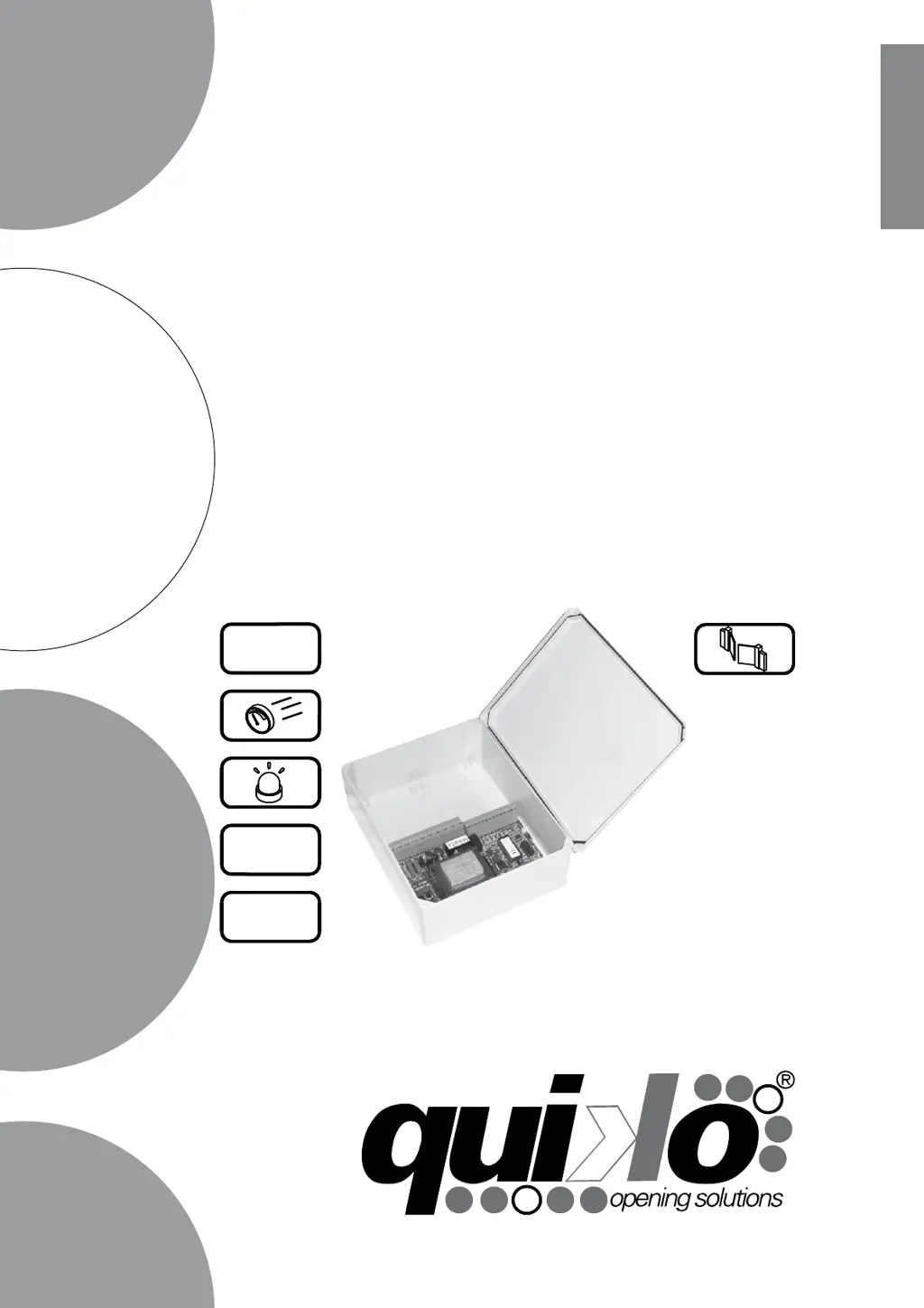
CONTROL BOARD FOR 1/2 230V ac SINGLE-PHASE MOTORS
u
s
e
r
m
a
n
u
a
l
QK-CE220BATRLE
V03/2011

Questions and Answers

  • T
    tholtAug 4, 2025
    What to do if a START command only starts the flashing light but doesn't start the Quiko Control Unit automation?
    • A
      Anthony BrownAug 4, 2025
      If a START command activates the flashing light but the Quiko Control Unit doesn't initiate automation, ensure the POWER TRIMMER is set to at least 2/3 of its regulation. Also, inspect the M1 motor connections. If an electric lock is present, verify it releases correctly upon gate opening. Additionally, check that the 12Vdc common isn't connected to the 24Vac. If needed, reverse M1 motor cables.
  • I
    Ian WoodsAug 13, 2025
    Why doesn't a START command start the Quiko Control Unit automation?
    • R
      Ryan WilcoxAug 13, 2025
      If a START command doesn't initiate automation on your Quiko Control Unit, first, ensure the LEDs behave as described in the LED STATUS TABLE and verify all connections. If the LEDs are not behaving as expected, check the connections. Additionally, confirm that the LD2 LED illuminates with each START command. If not, re-memorize the remote button on the radio receiver or inspect the key selector connections.
  • J
    Jesse ReyesAug 22, 2025
    What to do if the LD0 LED isn't on and the Quiko Control Unit board has no electricity?
    • B
      brettdaltonAug 22, 2025
      If the LD0 LED on your Quiko Control Unit isn't on, preventing the control board from receiving electricity, check if the F1 or F2A fuses are blown or not properly inserted. Also, ensure that the 230Vac connectors (23 and 24) are correctly connected.

Summary

Control Board Features and Data

Installation Procedures

Safety Regulations Compliance

Properly earth the product and observe local safety regulations.

Wiring and Connections

Connector Pinouts

Details functions for antenna, switches, photocells, motors, and power supply.

Advanced Settings and Configuration

Radio Receiver Setup

First Channel Programming

Procedure to memorize a remote button for the first channel.

Second Channel Programming

Procedure to memorize a remote button for the second (pedestrian) channel.

Gate Automation Setup

Setup for 2 Leaf Gates

Guides through the learning process for two-leaf gate systems.

Setup for 1 Leaf Gates

Guides through the learning process for single-leaf gate systems.

Final Testing and Troubleshooting

Troubleshooting Common Issues

Provides solutions for power, start command, flashing light, and remote memorization problems.

quiko QK-CE220BATRLE Specifications

General IconGeneral
Brandquiko
ModelQK-CE220BATRLE
CategoryControl Unit
LanguageEnglish