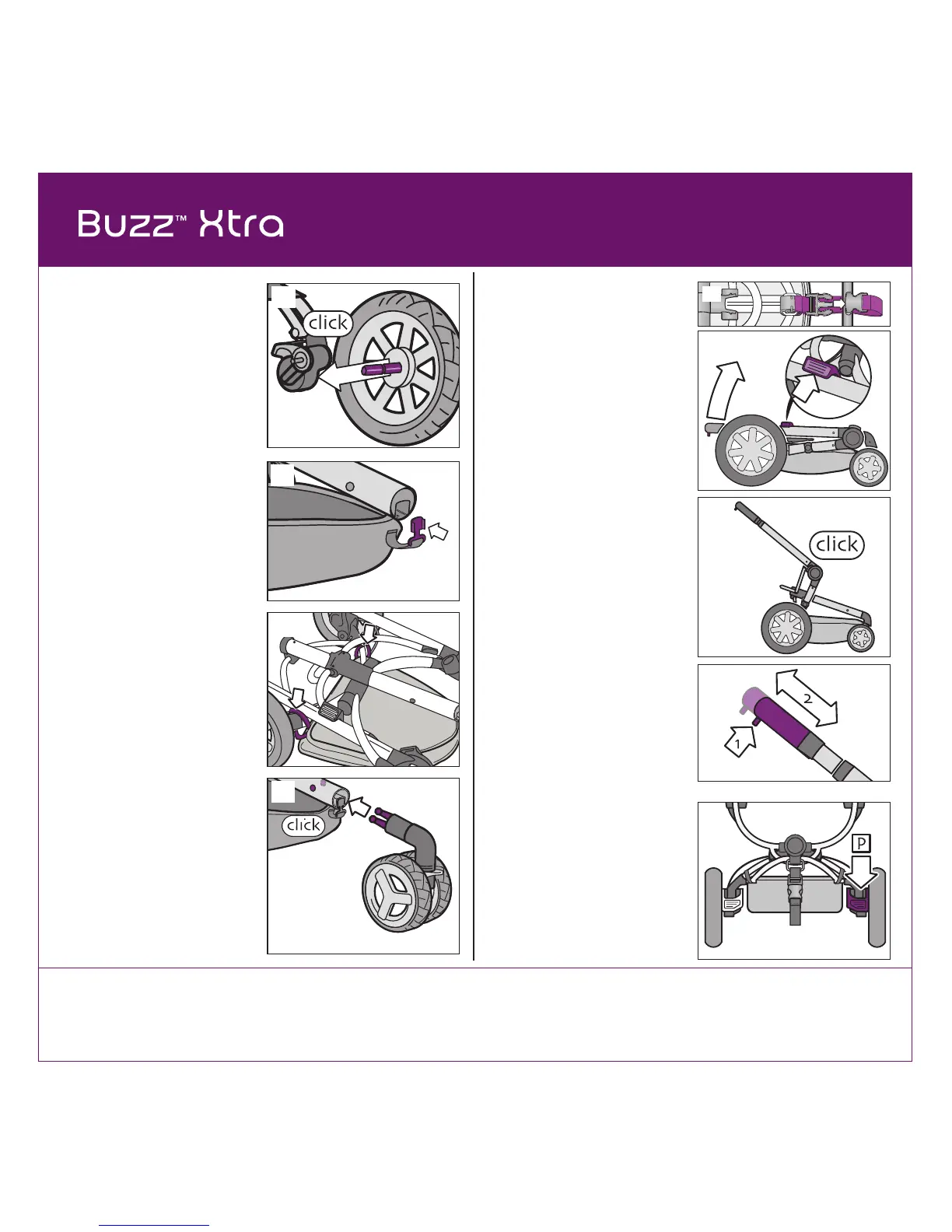
1 Install Rear Wheels
Slide the rear wheel axle into
the frame until you hear a “click”
(Figure 1). Repeat for other rear
wheel. Pull to confirm each is
assembled securely.
3
3 Install Front Wheel Unit
Squeeze the front wheel fork
while inserting it into the frame
tube. Push front wheel into frame
tube until you hear a “click”
(Figure 3).
Pull to confirm it is assembled
securely.
2 Attach Shopping Basket
Locate tab on basket. Slide tab
into tube at the front center
(Figure 2).
Secure hook-and-loop strap
around frame above each rear
wheel (Figure 2a).
2
3
4a
4b
4 Unfold Stroller
Unfasten transport strap
(Figure 4).
Push back on frame lock to
release and gently pull up on
frame from handlebar (Figure 4a).
Frame will begin to unfold
automatically and click into place
(Figure 4b).
5 Adjust Handlebar Height
Squeeze the adjustment button
and slide the handlebar to desired
height (Figure 5). The handlebar
will click into place.
5
6 Parking Brake
Always use the parking brake,
even when standing still for only a
few moments! Push firmly down
on the red pedal (P) behind the
rear wheel to set the parking
brake (Figure 6). Push the
opposite pedal to release the
parking brake.
6
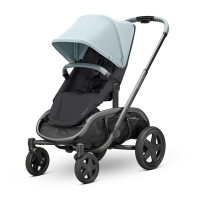
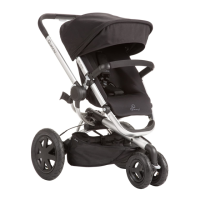
NOTE: The Buzz stroller frame has
a unique mechanism that enables the
automatic unfolding of the frame. The
temperature can affect the functioning
of this mechanism. In cold or frosty
weather, the stroller may unfold
more slowly than usual (at room
temperature).
1
4
2a


 To Next Page