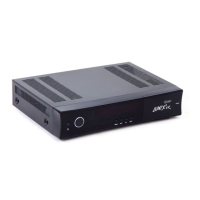
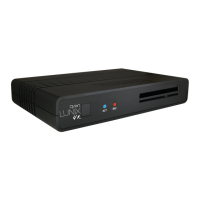
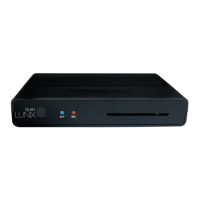
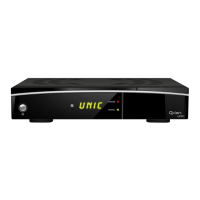
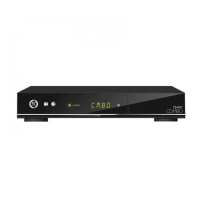
Front Panel
Live Status OSD Status
Switch between operation and standby modes
To change parameter value
To change current channel
To enter or exit the Main Menu
Close and return to the previous menu and screen
Shows current program's stream information
To open channel list
To Select/Confirm an item
7. Info
Shows current program's stream information.
7. Info
Display current menu information and channel name etc
8. Display
(VFD)
Shows current program's stream information.
7. Info
Insert smart card with the golden chip facing up
9.
Smartcard reader
Shows current program's stream information.
7. Info
PCMCIA Slot for a CA module
To connect USB 2.0 storage for PVR, media files and S/W update
10. USB
8
9
1110


 To Next Page
 Loading...