Need help?
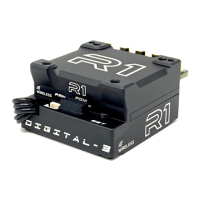
Do you have a question about the R1 WURKS Digital-3 and is the answer not in the manual?
Steps to connect the WIFI ADAPTOR TELEMETRY to ESC and smart device.
Steps to connect a smart device to the R1WURKS WiFi network.
Change WiFi name (SSID) and password for the adaptor.
Procedure for updating and resetting WiFi password if forgotten.
Meaning of Yellow LED being ON (WiFi module ON) or flashing (WiFi module OFF).
Meaning of Red LED flashing (command from smart phone) or ON (updating).


 To Next Page
 General