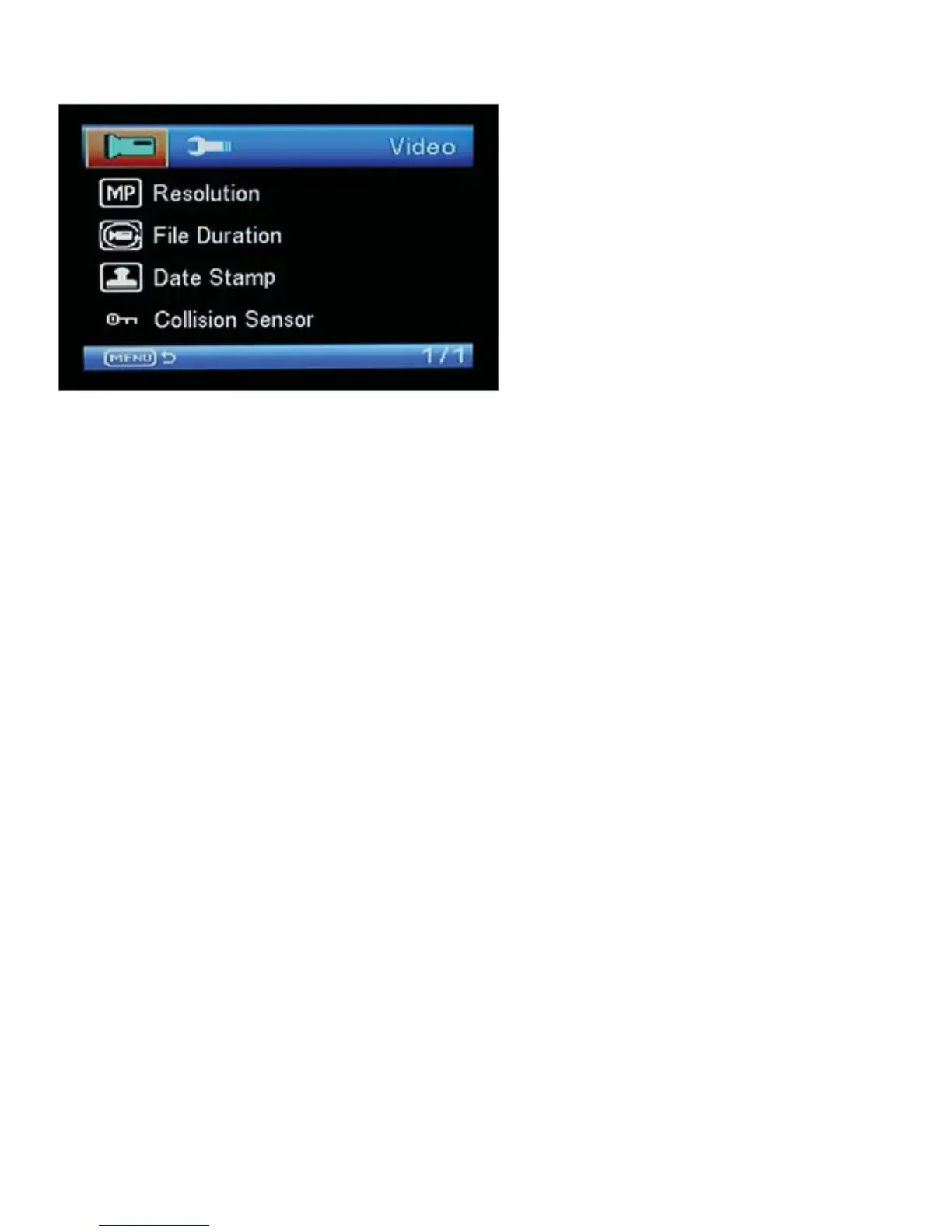
Video Menu Options
Resolution: This option allows you to set the recording resolution. Higher resolutions
give the best picture quality but also create the largest file size. Default setting is 720p.
File Duration: This option sets the video clip length. When recording continuous video,
the CarCam saves the data in small manageable files. These video files can be 1, 3 or 5
minutes in length. Once the memory card is full, the CarCam will automatically
overwrite the oldest file so the latest video is always recorded. Default setting is 3
minutes.
Date Stamp: This option allows you to embed the time and date on the recorded video.
Default setting is on.
Collision Sensor: If the CarCam detects a collision, it will lock the video file that is
being recorded to prevent overwriting at a later date if the memory card is full. The
sensitivity of the Collision Sensor can be adjusted to Low, Medium or High (or switched
off completely). Default setting is Medium.



 To Next Page