There are five languages to choose from: -
- English
- French
- Spanish
- German
- Russian
To select a language, turn the knob clockwise or anticlockwise until
the desired language is displayed. Press the knob button (OK) to
accept the changes.
Note: To access language mode, press the knob button (during
heating only). You can also access language mode by resetting power
to the heater.
Set Point:
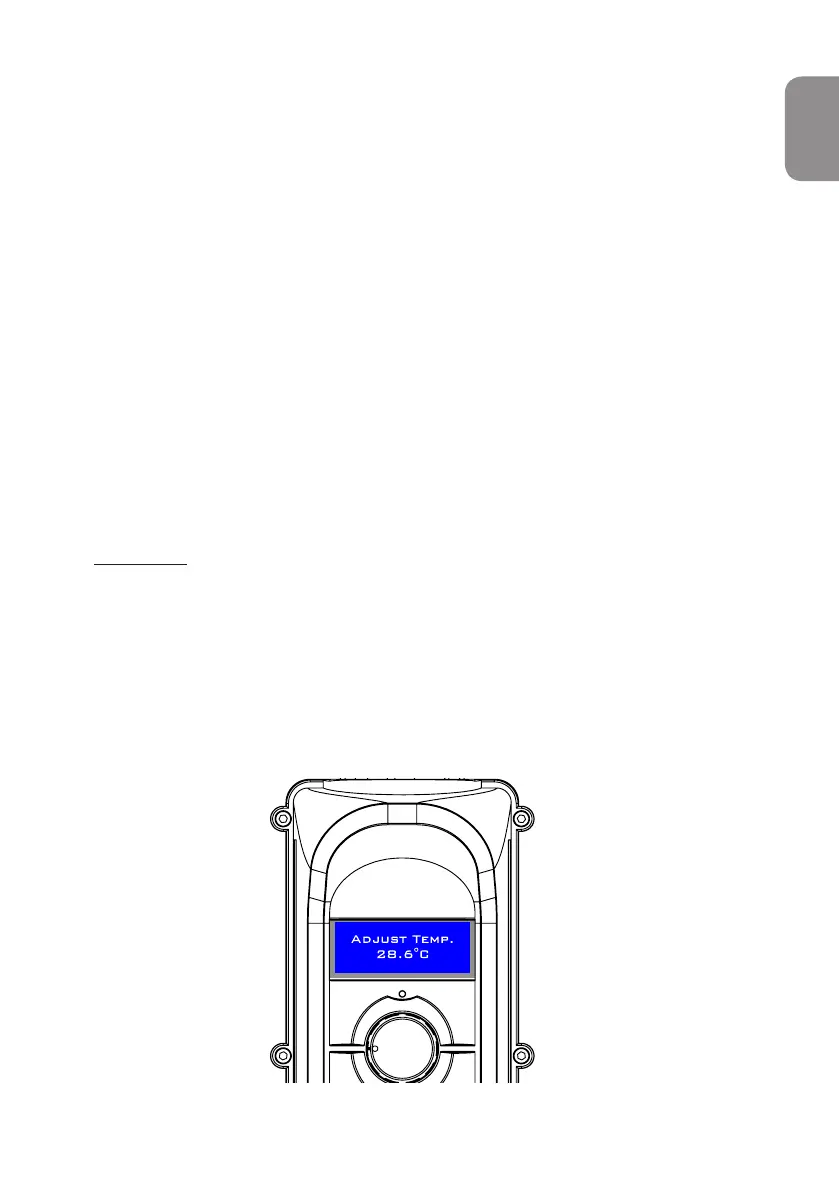
You can change setting (desired water temperature) any time by
simply turning the knob clockwise or anticlockwise until the
required temperature is shown on the display (Fig.10). To confirm
the changes, press the knob button (OK).
Fig 10.
1
1
The display should show ‘SAVED’ message.
ENGLISH



 To Next Page