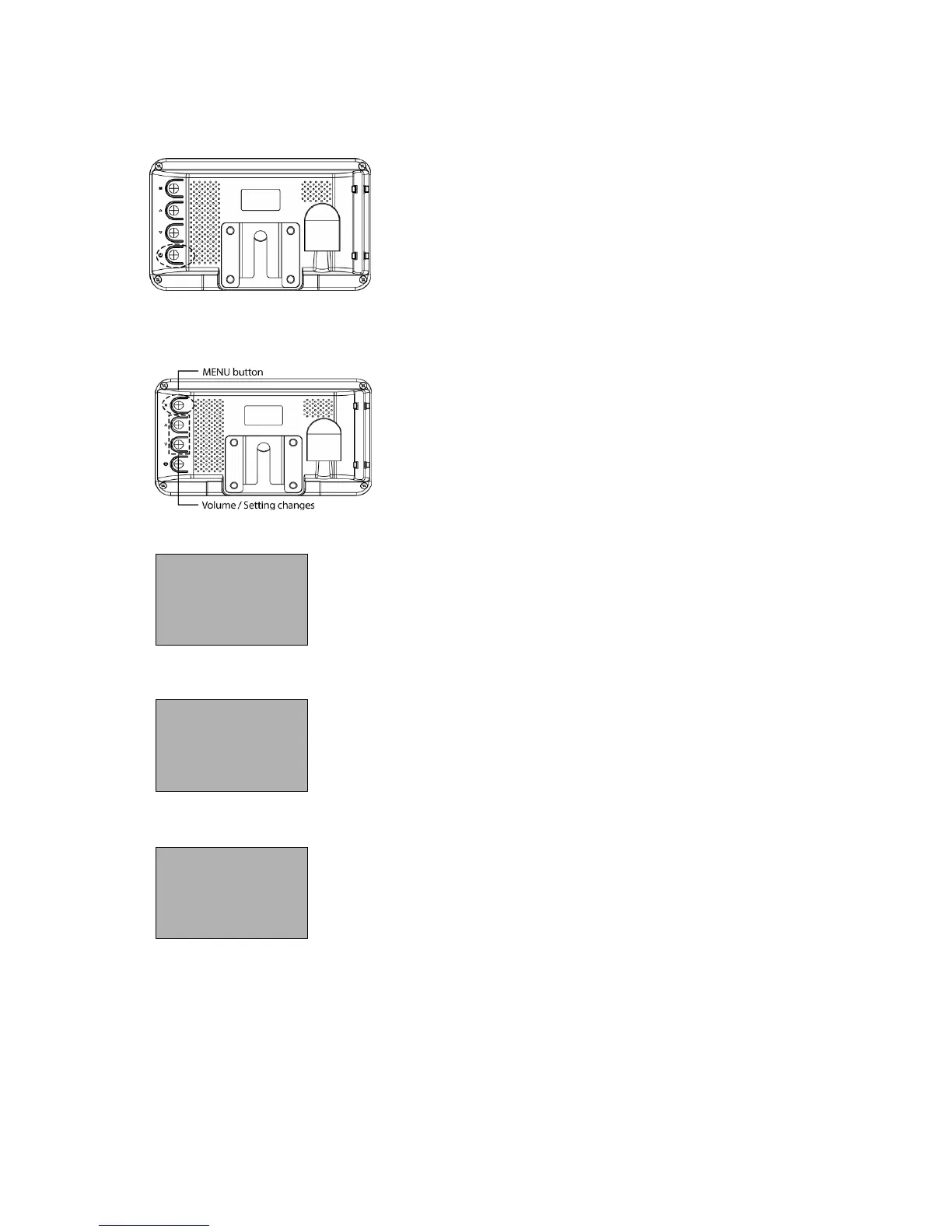
FUNCTIONS, Continued
Power ON/OFF
Menu
1. POWER ON: push to POWER ON
(STAND BY state is OFF)
2. POWER OFF: push again to POWER OFF
The Menu changes [BRIGHTNESS] -
[CONTRAST] - [COLOR] - [TINT] - [DIMMER] -
[LANGUAGE] - [CAM] - [RESET]
[VOLUME]: Volume control
Push △▽ button to control volume (0~100)
[0: Min. volume / 100: Max. volume]
[BRIGHTNESS]: Adjust Brightness
On Brightness setting mode, △▽ buttons control screen
brightness. (0~100)
[0: Dark / 100: bright]
[CONTRAST]: Adjust Contrast
On Contrast setting mode,
△▽
buttons control the
contrast on the screen. (0~100)
[0: Min. difference between brightness/darkness
100: Max. difference between brightness / darkness]


 To Next Page