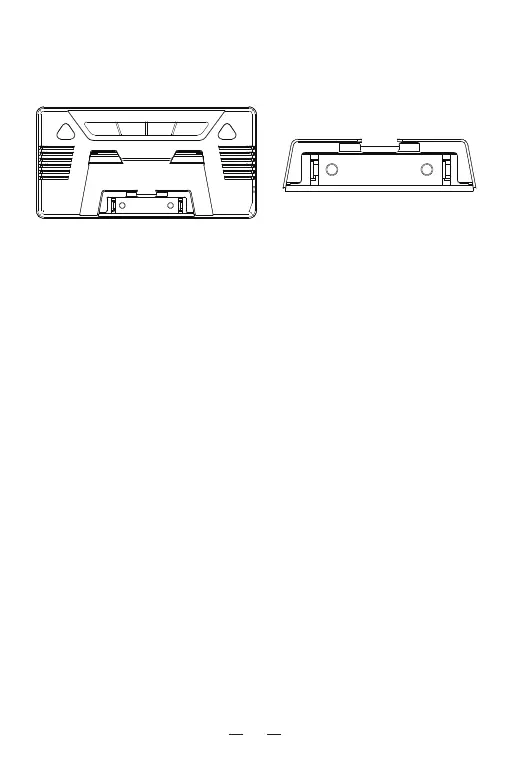
LR03/R03 AAA 1.5V
+
_
LR03/R03 AAA 1.5V
+
_
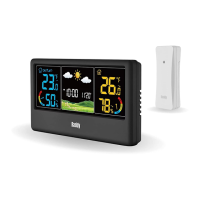
Connect The Sensor & Base Station
1. Install the batteries for the remote sensor, and slide the
channel number.
2. Plug the power adapter into the base station, then it will start
to receive the sensor signal within 3 minutes.
3. If the red indicator of the sensor flash twice, and you see the
detected data displayed located on the left of screen , it
means the sensor is connected with the base station.
4. When the red indicator of sensor flash for once per minute, it
indicates that it is updating the sensor data to base station.
Example, when you slide to channel 1 for your sensor, you can
see the data shown the data on the CH1 dashboard.
03
optional, since previous setting will be reset when plugged out,
we recommend install the batteries for the base station.
Base station can stand upright on the table or mount on the wall.


 To Next Page