4
5
1 2
3 4
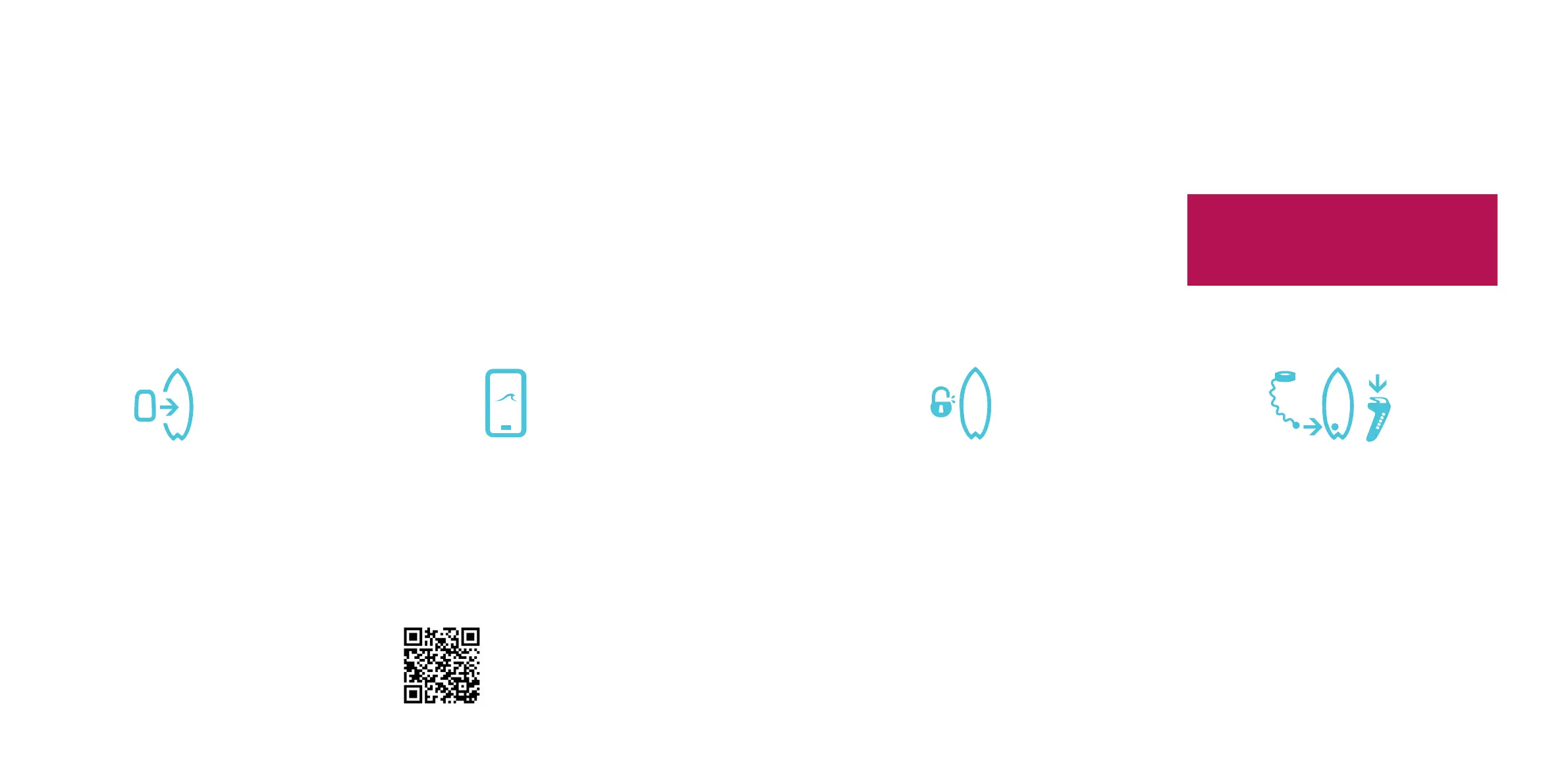
Insert a fully charged battery
into the jetboard
Insert a fully charged battery to your jet-
board. DO NOT attach the magnetic key at
this point.
If you’ve recieved a new jetpack, please
install this into your jetboard before
inserting your battery.
Download and sign into
the Radinn App
Download the Radinn App and register as a
new user or login to your existing account.
Keep the device in hand and follow the
steps in the app.
Unlock and update jetboard
and battery
When the board is connected to the app it
will scan for rmware updates. When the
update is complete the jetpack and the
installed battery will be unlocked.
Got more than one battery?
Install the new battery and go through
steps 1-3 again. Then follow the instructions
in the app.
Start up your jetboard
and just go!
Put the magnetic key on your board leash
into place. Press the lever on the hand
controller. (You’ll nd these items in the
accessory bag). Make sure your hand
controller is fully charged. Wait until lights
indicate pairing (See manual), then press
the lever again to give throttle to the jet-
pack. Enjoy!
Scan this to
download
the app.
Instructions for rst time use & upgrades
Jetboard & battery
onboarding
IMPORTANT
All batteries and jetpacks are being delivered
with transport settings and have to go through
this procedure in order to function properly.



 To Next Page