VERIFY
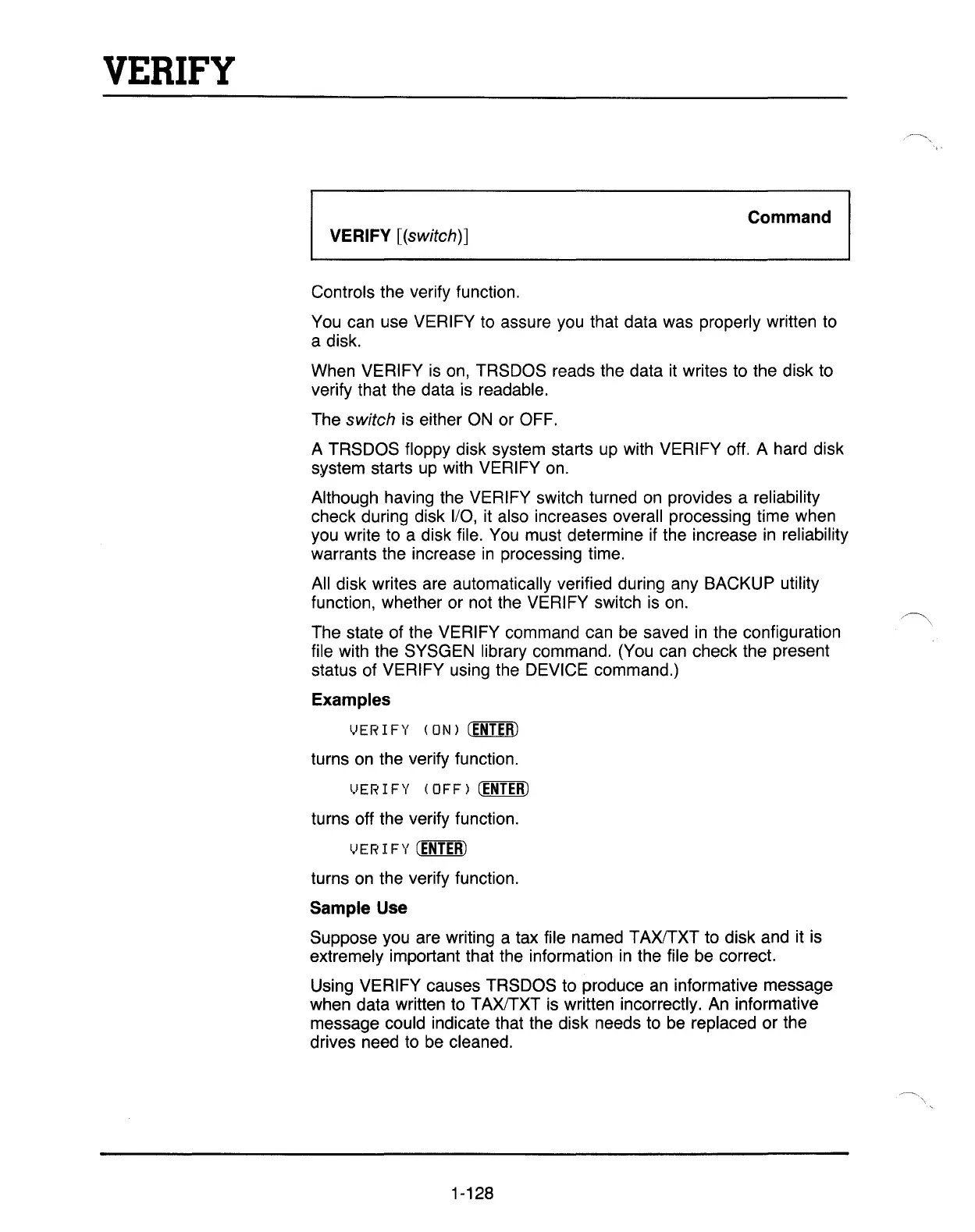
I VERIFY [(switch)]
Command
I
Controls the verify function.
You
can use VERIFY to assure you that data was properly written to
a disk.
When VERIFY
is
on, TRSDOS reads the data it writes to the disk to
verify that the data is readable.
The switch is either
ON
or OFF.
A TRSDOS floppy disk system starts
up
with VERIFY off. A hard disk
system starts
up
with VERIFY
on.
Although having the VERIFY switch turned
on
provides a reliability
check during disk
1/0,
it also increases overall processing time when
you write to a disk file.
You
must determine if the increase
in
reliability
warrants the increase
in
processing time.
All disk writes are automatically verified during any BACKUP utility
function, whether or not the VERIFY switch
is
on.
The state of the VERIFY command can be saved
in
the configuration
file with the SYSGEN library command. (You can check the present
status of VERIFY using the DEVICE command.)
Examples
VERIFY (ON)
(ENTER)
turns
on
the verify function.
l.JER
I
FY
(OFF)
(ENTER)
turns off the verify function.
t.IER
I
FY
(ENTER)
turns
on
the verify function.
Sample Use
Suppose you are writing a tax file named TAXlTXT to disk and it is
extremely important that the information
in
the file be correct.
Using VERIFY causes TRSDOS to produce
an
informative message
when data written to TAXITXT is written incorrectly.
An
informative
message could indicate that the disk needs to
be
replaced or the
drives need to be cleaned.
1-128



 To Next Page
 Loading...