EasyManua.ls Logo

RADIOMETER TCM3 - Page 50

RADIOMETER TCM3
145 pages
Print Icon
To Next Page IconTo Next Page
To Previous Page IconTo Previous Page
Loading...
2.
TCM3
TCM3
and
TCM30
Service
Manual
Procedures,
Continued
Action
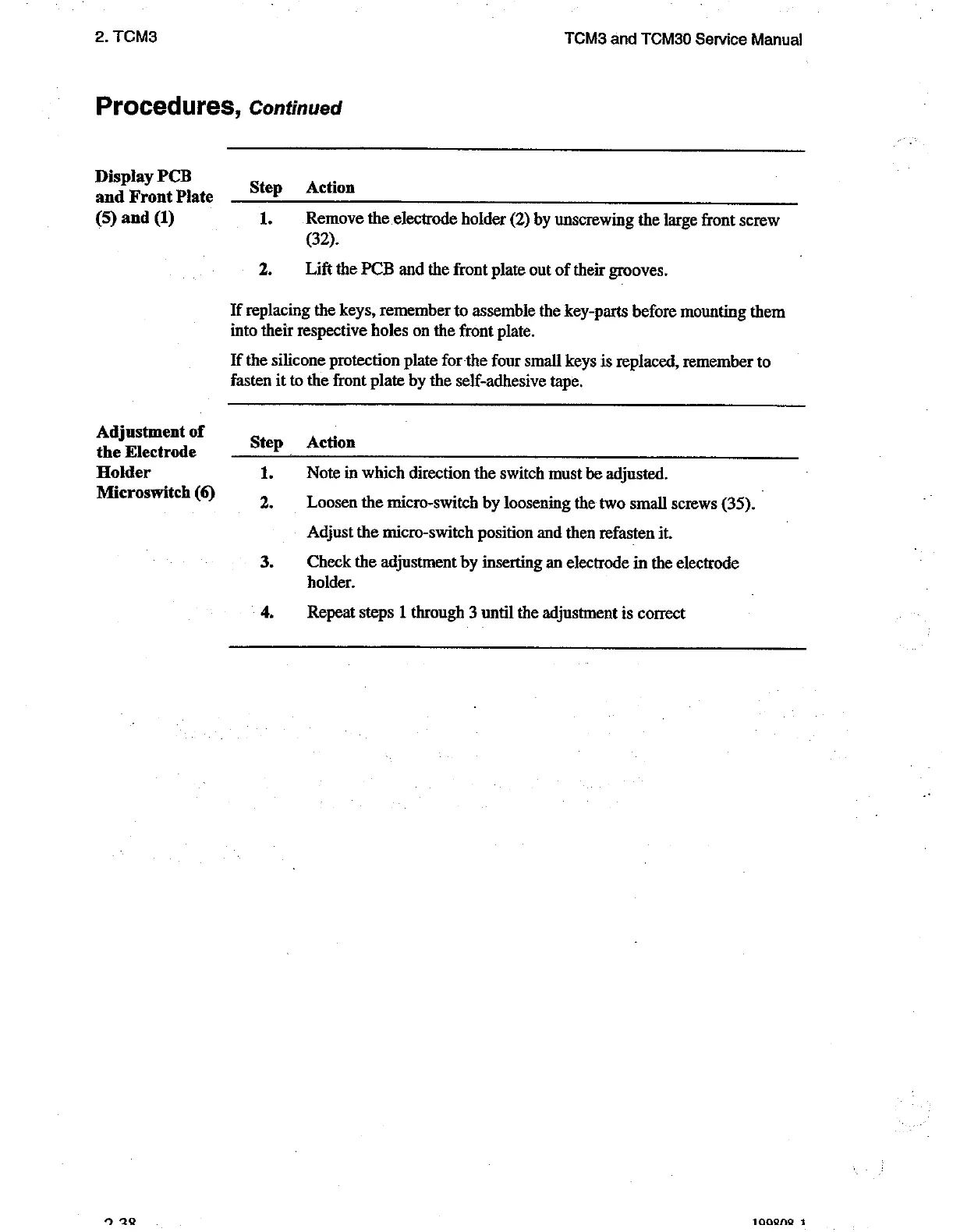
Remove
the
electrode
holder
(2)
by
unscrewing
the
large
front
screw
(32).
Lift
the
PCB
and
the
front
plate
out
of their
grooves.
If
replacing
the
keys,
remember
to
assemble
the
key-parts
before
mounting
them
into
their
respective
holes
on
the
front
plate.
If
the
silicone
protection
plate
for
the
four
small
keys
is
replaced,
remember
to
fasten
it
to
the
front
plate by
the
self-adhesive
tape.
Action
Display
PCB
and
Front
Plate
Step
(5)
and
(1)
1.
2.
Adjustment
of
the
Electrode
Step
Holder
1.
Microswitch
(6)
2
3.
4.
Note
in
which
direction
the
switch
must
be
adjusted.
Loosen
the
micro-switch
by
loosening
the
two
small
screws
(35).
|
Adjust
the
micro-switch
position and
then
refasten
it.
Check
the
adjustment
by
inserting
an
electrode
in
the
electrode
holder.
Repeat
steps
1
through
3
until
the
adjustment
is
correct
1008209
1

Related product manuals