22
GB
FM Operation
Selecting FM Mode
To switch the unit to FM mode, press MODE repeatedly.
Auto Scan
To search for an FM station automatically, press SCAN to start the forward or reverse
scanning. The display will show the frequency being searched. Once a station has been
found, the scanning will stop automatically.
Manual Scan
To search for FM stations manually, turn the SCROLL/SELECT dial until your desired station
is reached.
With FM radio, it may be necessary to ne tune each station by turning SCROLL/SELECT
repeatedly. Each turn will adjust the frequency by 0.05MHz. If reception is still poor, adjust
the position of the aerial or try moving the radio to another location.
Scan Setting
This is a scanning option to scan all stations, or just scan stations with strong signal.
1. Press MENU and then turn the SCROLL/SELECT dial to select <Scan setting>. Press
SCROLL/SELECT to conrm.
2. Turn the SCROLL/SELECT dial to select <All stations> or <Strong stations only>.
Press SCROLL/SELECT to conrm.
Audio Setting
FM is able to search for Stereo or Mono stations.
1. Press MENU and then turn the SCROLL/SELECT dial to select <Audio setting>. Press
SCROLL/SELECT to conrm.
2. Turn the SCROLL/SELECT dial to select <Stereo allowed> or <Forced Mono>. Press
SCROLL/SELECT to conrm.
The unit will automatically switch between stereo and mono when <Stereo allowed>
is selected depending on the signal strength, but you can override this and switch this
function manually. This is helpful when receiving poor signal reception.
Presetting Stations
You can store up to 10 of your favourite FM stations to the memory. This will enable you to
access your favourite stations quickly and easily.
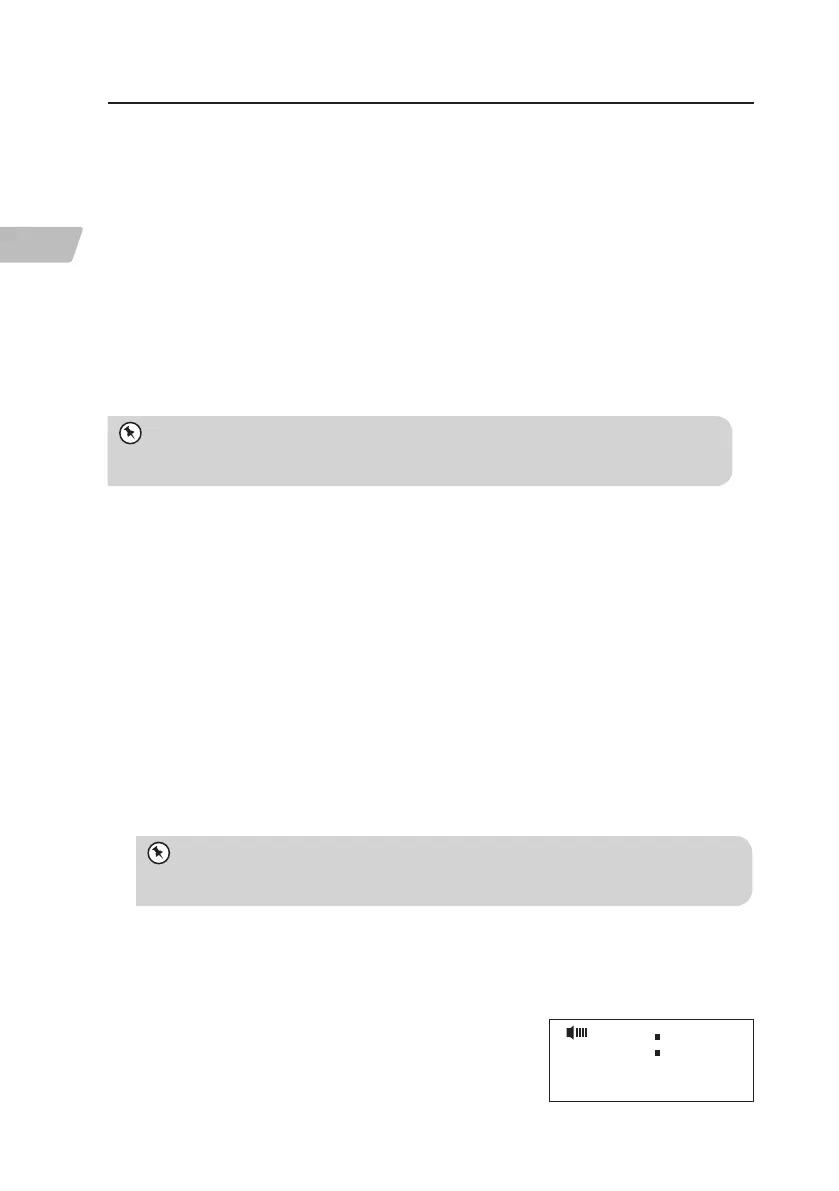
1. To store a preset, you must rst be listening to the
station that you would like to save. Press and hold
PRESET, then Preset store <#: (Empty)> will show on
the display.
Preset store
1: (Empty)< >
FM
RNPDABB_W13E_IB_5L_RC_130729_Candice.indb 22 29/7/13 4:44 PM


 To Next Page