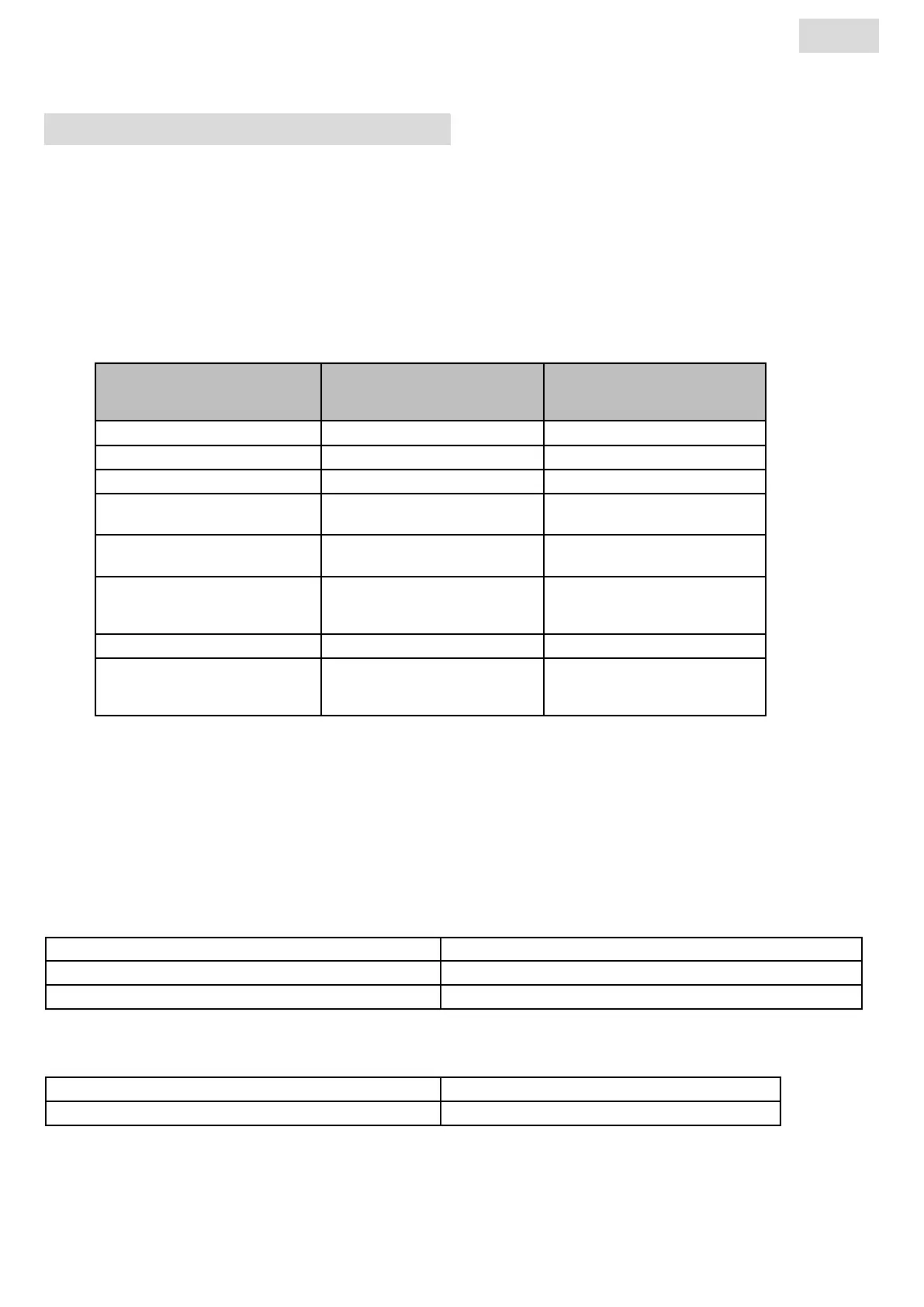
Receiver indicator light status
Operating mode
Indicator status
Radiator paused
Indicator status
Radiator Heating up
Standby Off
Confort Steady green Steady red
Eco Flashing green Flashing red-green
Anti-frost Slow ashing green Slow ashing red-
green
Confort -1°C (*) Double ashing green Double ashing
redgreen
Confort -2°C (*) Double slow ashing
green
Double slow ashing
red-green
Pairing mode Flashing Orange Flashing orange
Sensor fault or
Measured temp. > 35°C
Flashing red --
The RF receiver is tted with an independent regulation system which saves status informati on (start/standby) and tem-
perature setpoints to its memory. Storage of the last received setpoint ensures the temperature is still regulated even if
the transmitter is turned off or its batteries exhausted. Also note that during a power outage to the radiators, pairing does
not need to be reiniti alized.
Important: If your receiver is turned off , your radiator will not receive any commands from the remote control.
Status of 2c signal
Off Surface temperature limitation is not activated
Steady green Surface temperature limitation is not activated
Triple fast ashing red
IWiFi communications with transmitter indicator
Status of 2b and 2c signal
«2b» et «2c» ashing green alernately The receiver was sucessfully reset
«2b» et «2c» ashing orange alternately WiFi communications error
STARTING THE SYSTEM
RECEIVER
Connect your appliance to the electricity supply. Press butt on «B» located on the receiver at the bottom of the appliance
to start the radiator. Indicator light «A» is illuminated and you will hear 2 short «beep» sounds. Pressing button «B» again
will turn off your radiator and produce a long «beep» sound. Indicator light «A» goes out, and no communication with the
remote control is possible.
6
EN


 To Next Page