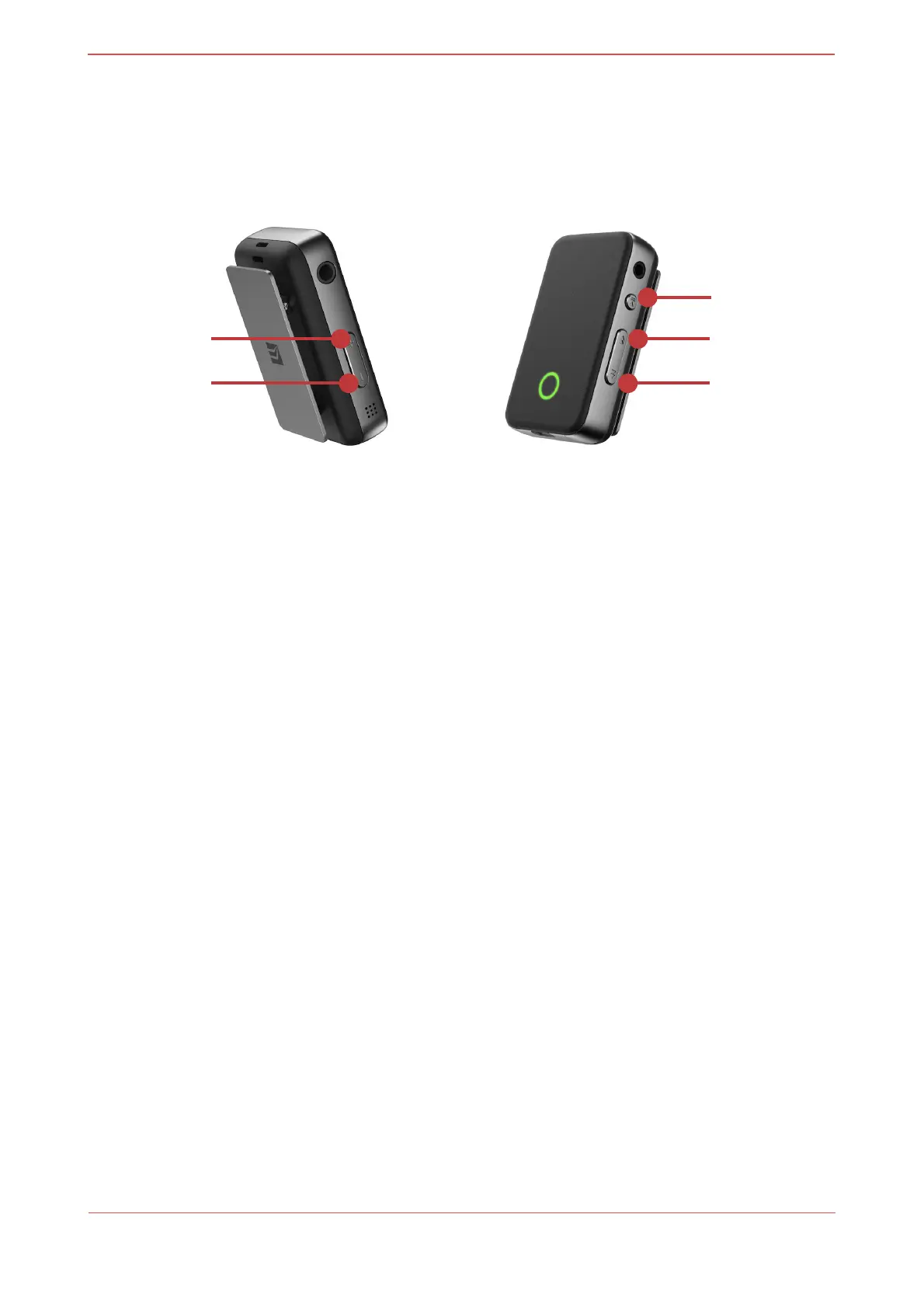
[Buttons]
[Power Button]
Power On/Off
•
Power On: Press&hold for more than 2 seconds
-
BLUE LED blinks once when power is on. “power-on sound” plays when it is on.
-
Automatically connects to a device that has been connected before. GREEN
LED blinks once every 3 seconds after the “connection sound.”
-
Enters Discoverable Mode/Paring Mode when there’s no device that has been
connected before. GREEN LED blinks twice every 0.5 seconds.
•
Power Off: Press&hold for more than 4 seconds
-
RED LED blinks once right before power off. “power-off sound” plays when it is
off.
Play/Pause
•
Play: Press once
-
GREEN LED slowly blinks once every 3 seconds during Bluetooth/USB
playback.
•
Pause: Press once


 To Next Page
 Loading...