[How to Connect]
[Connecting Bluetooth]
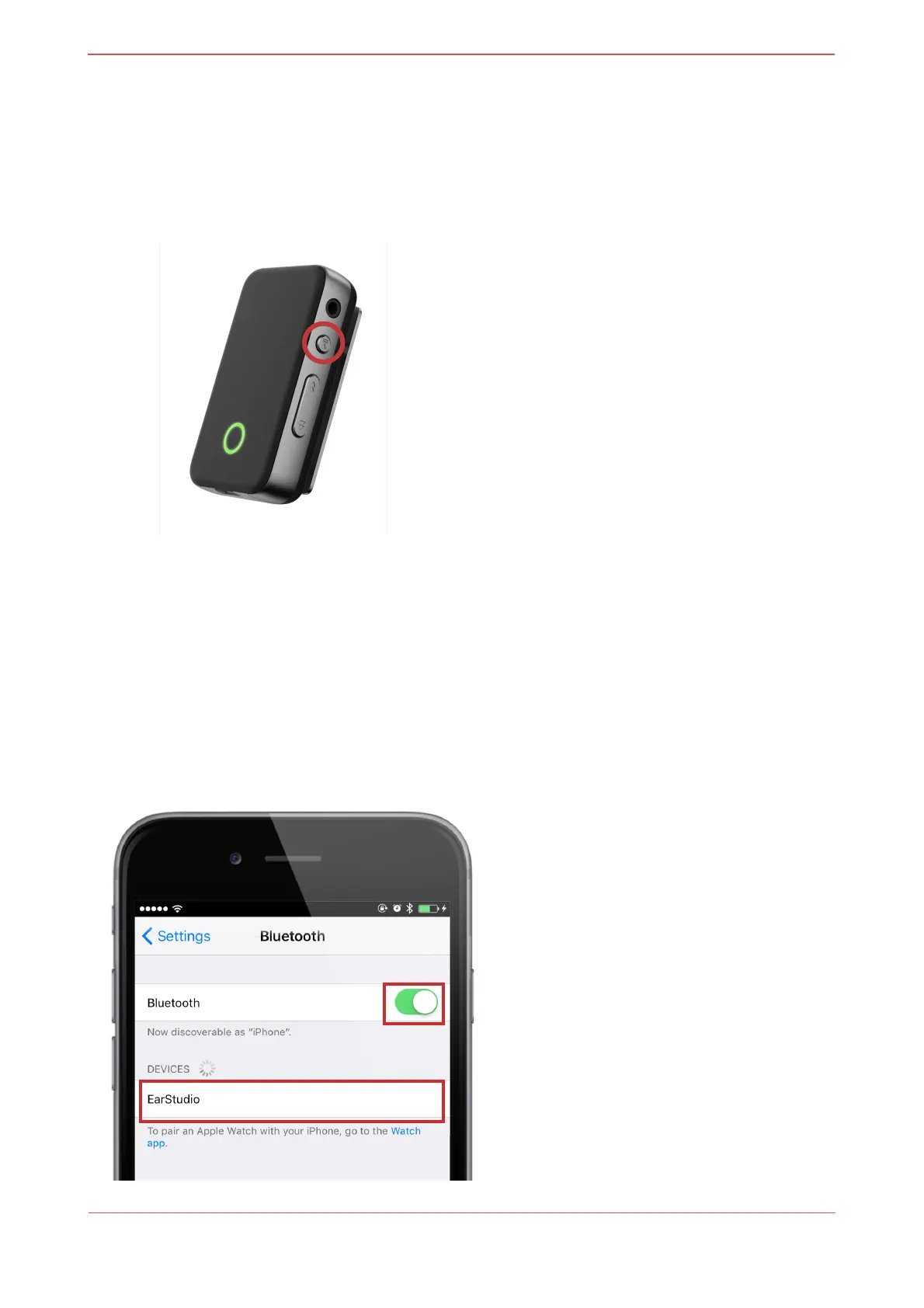
1. Turn on EarStudio (Press Power button for 2 seconds)
2. Once the power is turned on, It automatically enters into Pairing mode. GREEN LED
blinks twice every 0.5 seconds during Pairing mode. Then, select EarStudio from the
Settings from the Smartphone.
(When EarStudio is already connected to the other Smartphone and when it is not
in Paring mode, please press the Previous Track Button for over 2 seconds to
enter into Pairing mode)


 To Next Page