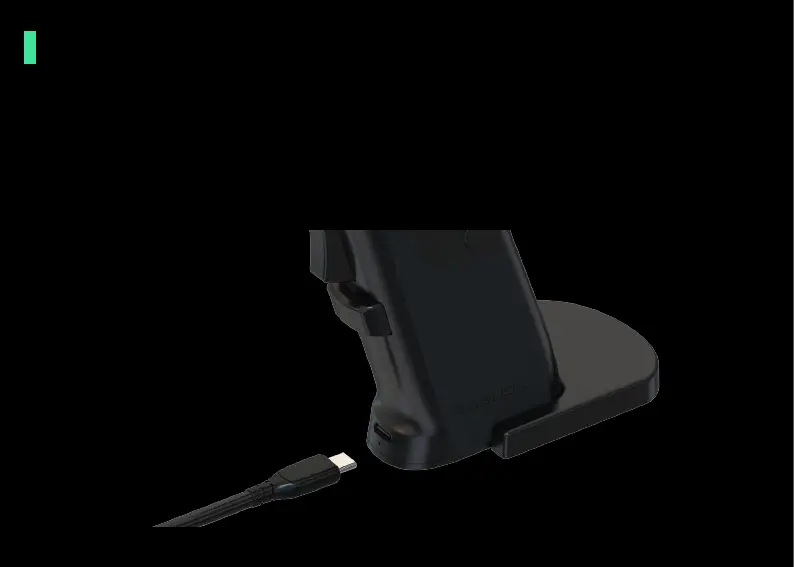
Charging
1. When the USB is connected to the computer, the vibration turns on. When the
vibration abates, it needs a wired connection to charge.
2. Please use the USB cable we provided to charge your mouse, and make sure it is
connected to the USB port of your PC or laptop. DO NOT use another charger
because it may damage the mouse.



 To Next Page