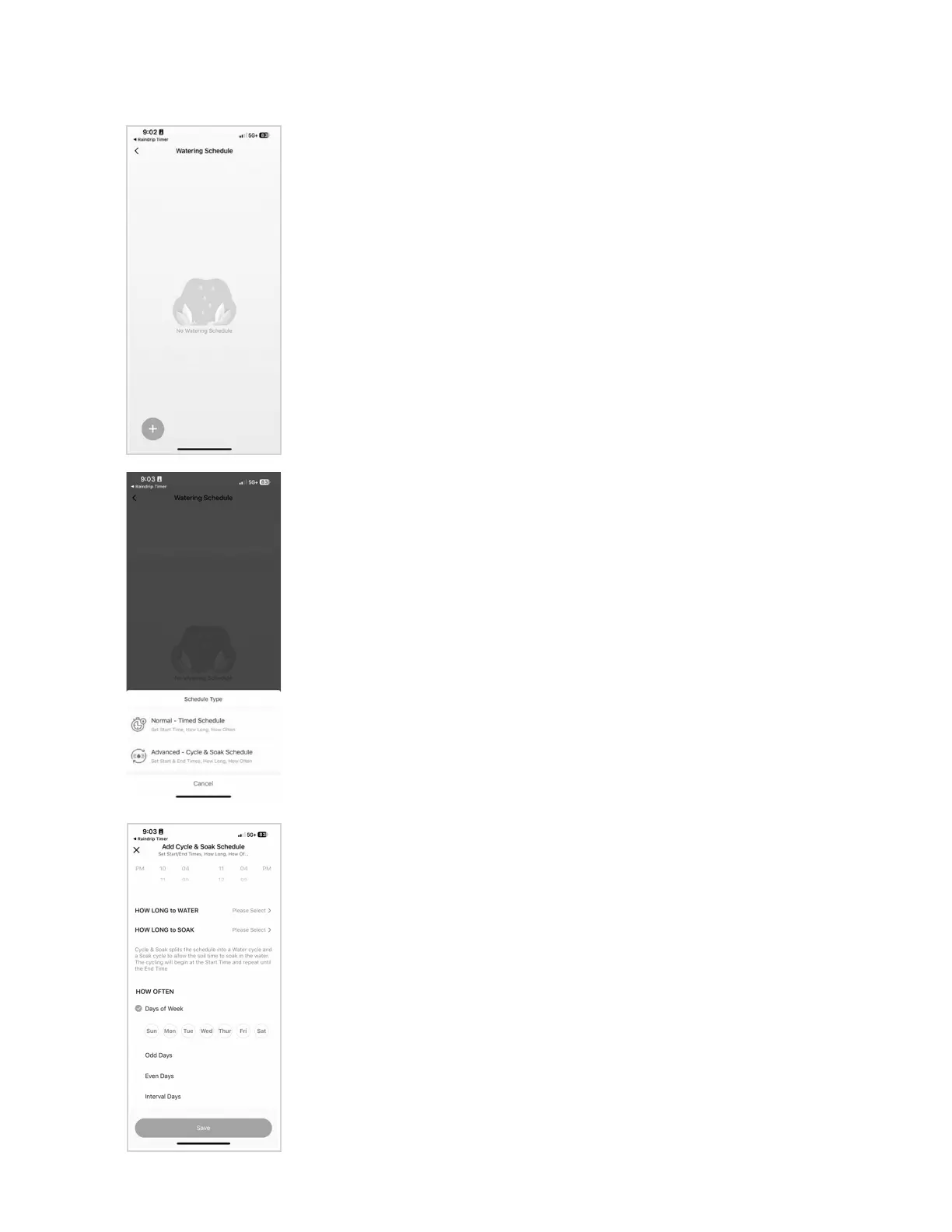
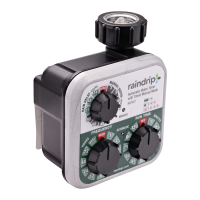
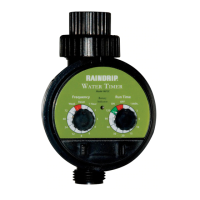
• Select Start Time, How Long to Water, How Often to Water,
then click “Save”
• Days of Week will work for most applications and will water
based on the days selected
• Odd or Even Days will water based on the calendar day
(odd = 1, 3, 5, etc.)
• Interval Days option allows you to choose an interval to
which watering will occur (for example, “Water every 3 days”)
and allows you to choose the day the interval should start
(such as “Jan 28th”)
• Select Start and End Time (for example, “Start 9 am, End 10 am”)
• Select How Long to Water and How Long to Soak (for example,
“Water 5 mins, Soak 10 mins”)
• Select How Often to Water (see Normal Schedule directions above)
• Schedules can be toggled on and off from the Watering Schedule screen
• Up to 10 schedules can be created and stored
• Tip - refer to the “Settings” section on page 10 to set days and times that
you don’t want watering to occur
• Use directional arrows to see different time periods
SCHEDULING INSTRUCTIONS
Advanced Cycle & Soak Schedule - divides irrigation runtimes into
smaller intervals with short breaks in between to allow water more
time to soak into the soil. This can keep more water on the landscape
and saves water by reducing runoff.
Normal - Timed Schedule - will work for most applications
12


 To Next Page