Installation
APP INSTALLATION
• Ensure the phone is connected to 2.4GHz Wi-Fi network
• NOTE: Select Wi-Fi networks may display 2G and 5G network options to connect to –
Choose the 2G network to enable the pairing process
• Conrm that the phone has Location Services and Bluetooth turned ON during installation
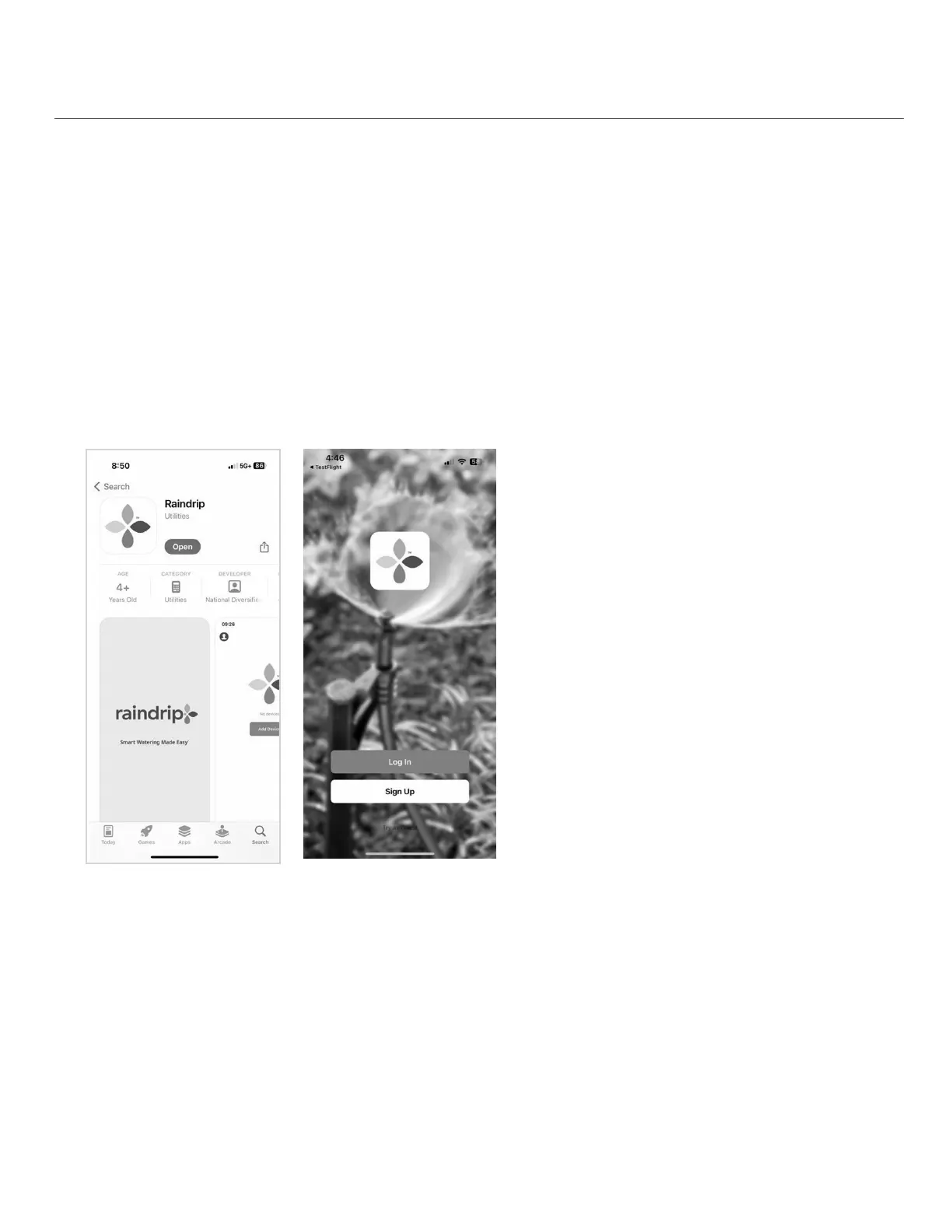
• Download the Raindrip app - search for Raindrip in the Apple App Store or Google Play Store
Search for the Raindrip app
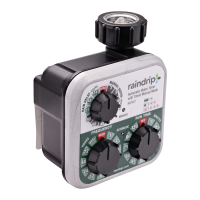
Create a Raindrip account
• Create a Raindrip account
• Enter a personal email account; a verication
code will be sent to this email
• If the verication code does not appear in the
inbox, check junk or spam email folders
• Accept permissions, and click “Go to App”
PREPARE FOR INSTALLATION
• Choose an indoor location for the gateway that is close to an electrical outlet and in range
of the Wi-Fi router and timer
• Gateway should be within 150 ft. of the timer (150 ft. range is in open area without interference)
• Install 2 AA batteries and ensure the timer is near the gateway during initial pairing
6


 To Next Page