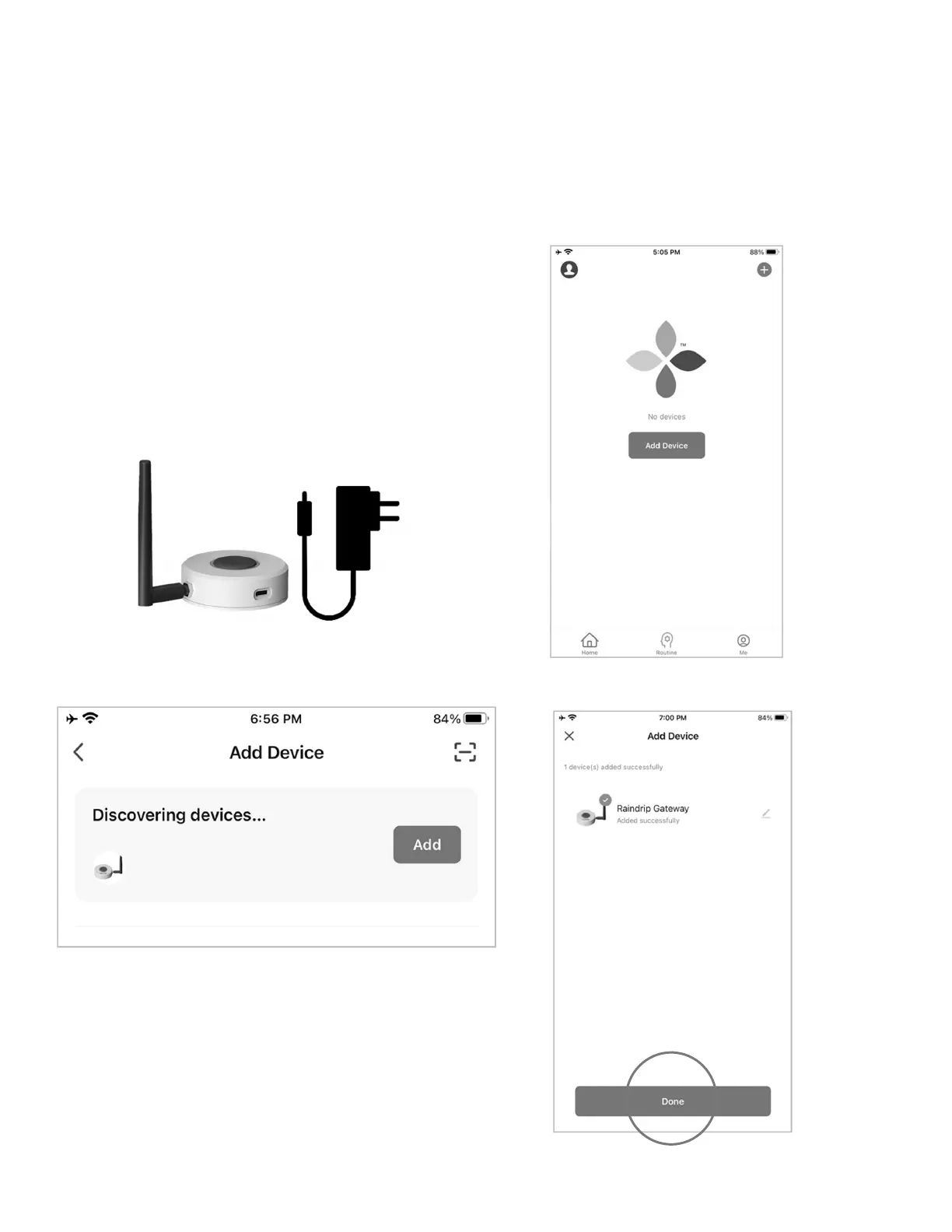
PAIR THE GATEWAY
• Plug the power adapter into the gateway, then plug the pronged end into the electrical outlet
• After the gateway starts blinking, press “Add Device” in the Raindrip app
• Once the gateway shows up as a discovered device, tap “Add”
• Enter the Wi-Fi network name and password for the 2.4GHz
network to which the mobile phone is connected
• Once the gateway shows as “Added Successfully,” tap “Done”
7


 To Next Page