EMU-2™
User Manual
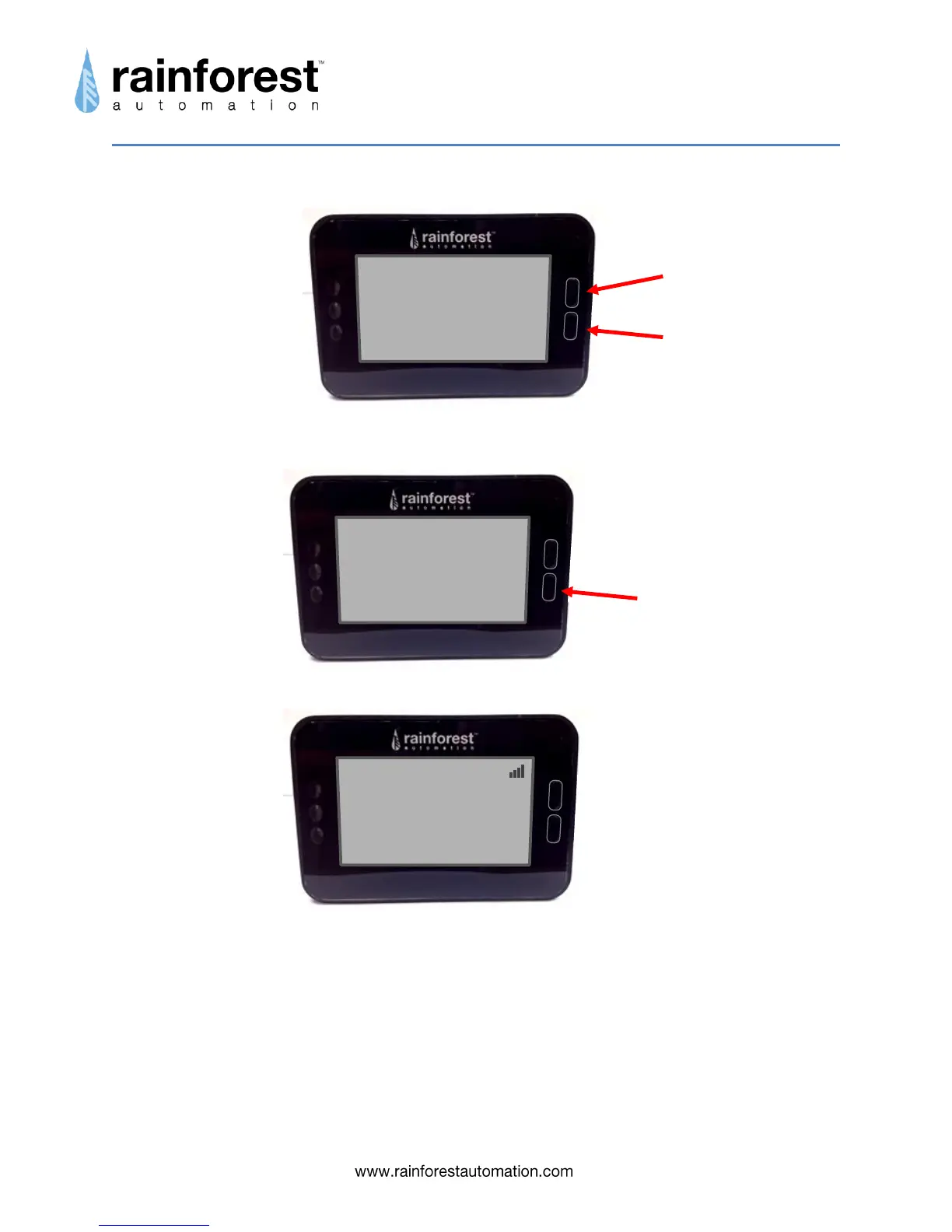
d. If your meter does not provide pricing (ask your utility), you will need to set your
energy price.
The digit to be modified will be flashing, starting on the right, and working left.
After you have entered all 5 digits of the energy price, you will see this screen:
e. Press the Bottom Button, and you will see the battery screen:
f. Press any button to return to regular monitor mode. Your EMU-2™ is ready to
use.
Top Button increments
digit value
Bottom Button saves
digit value
Set Rate
000.00¢/kWh Change
Keep
Accumulation Period
start:
Jan 01 Set
stop: Skip
Jan 31


 To Next Page