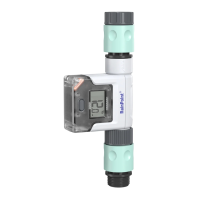
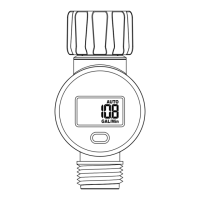
GET STARTED
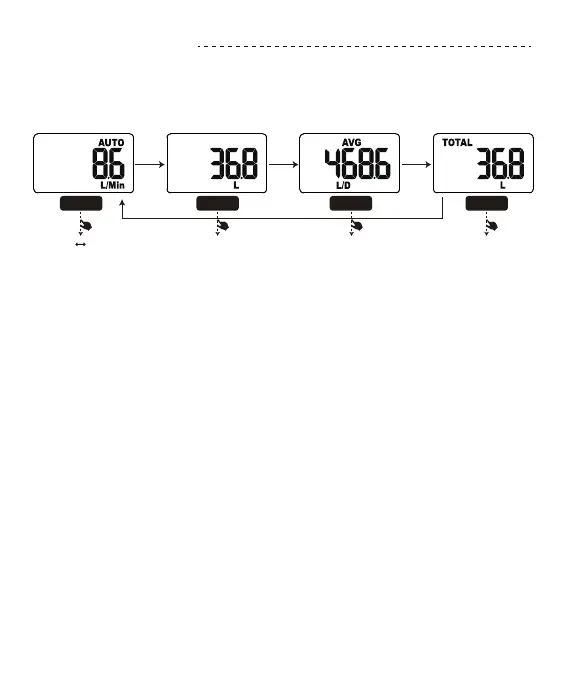
FOUR MEASUREMENT MODES
Press the button briey: the display switches to the next display mode.
1 FLOW MODE:Display the real-time water ow in GAL/Min or L/Min.
2 CONSUMPTION MODE:Measure the single water consumption.
The display will reset after 30sec without water ow or pressing the
button.
3 AVG MODE:Display the daily average water consumption for the
last 7 days.
4 TOTAL MODE:Measure the total water consumption up to the
reset
1. FLOW MODE 2. CONSUMPTION MODE 3. AVG MODE 4. TOTAL MODE
button button button button
2sec
Gal Liter Reset Consumption Reset Average Reset Total
2sec 2sec 2sec


 To Next Page