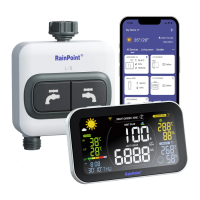
1. Find "1-ZONE Water Timer" or the icon to add HTV113FRF
Sma 1-Zone Water Timer when adding sub-devices.
2. Inset the batteries, and then the indicator will quickly blink in red. At
the same time, select "NEXT" on the APP and sta searching devices.
3. Keep the timer and the hub close to each other, and they will connect
automatically.
4. Besides that, you can also hold the button to reset and connect again.
5. After successfully connecting, the next watering plan time for each
valve will display in the middle of the hub’s screen.
6. You can also hold the ZONE button on the hub to manually turn on the
valve for 10 mins.
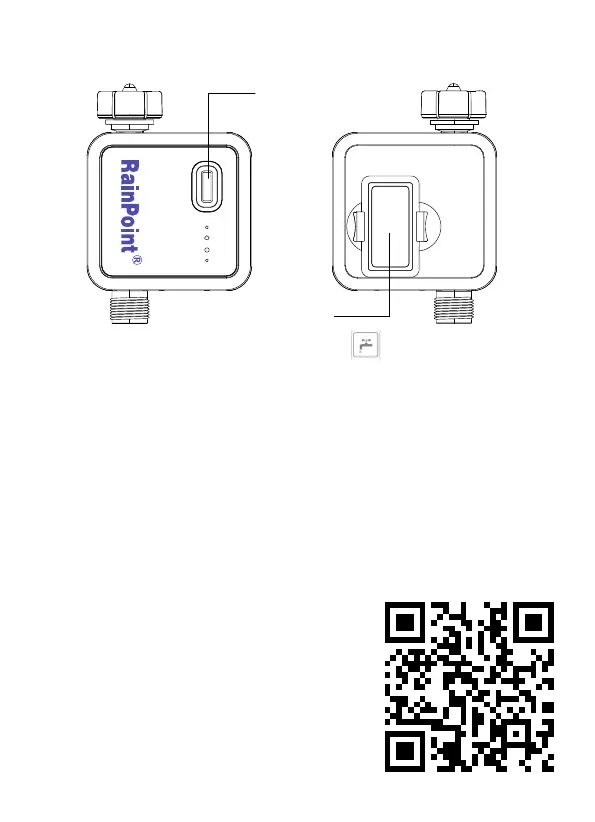
3.2 HTV113FRF Smart 1-Zone Water Timer
Operation Button
Batte Cover
- 21 -
Tips:
If you need more detail information about
the operation, please scan the QR code or
search the link to access the video to check
the device quickly and easily.
Setup Video: http://bit.ly/3jgJQVA


 To Next Page
 Loading...